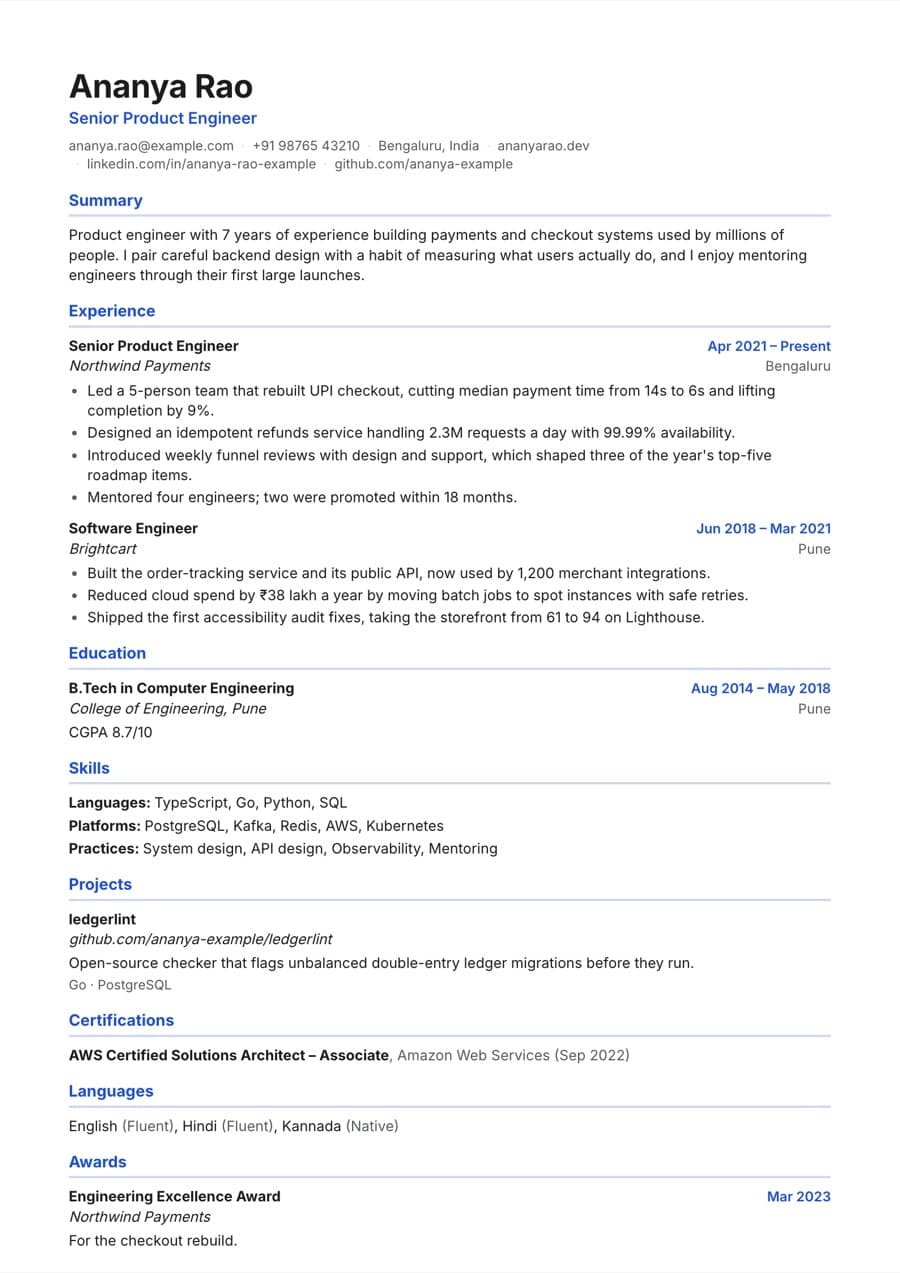
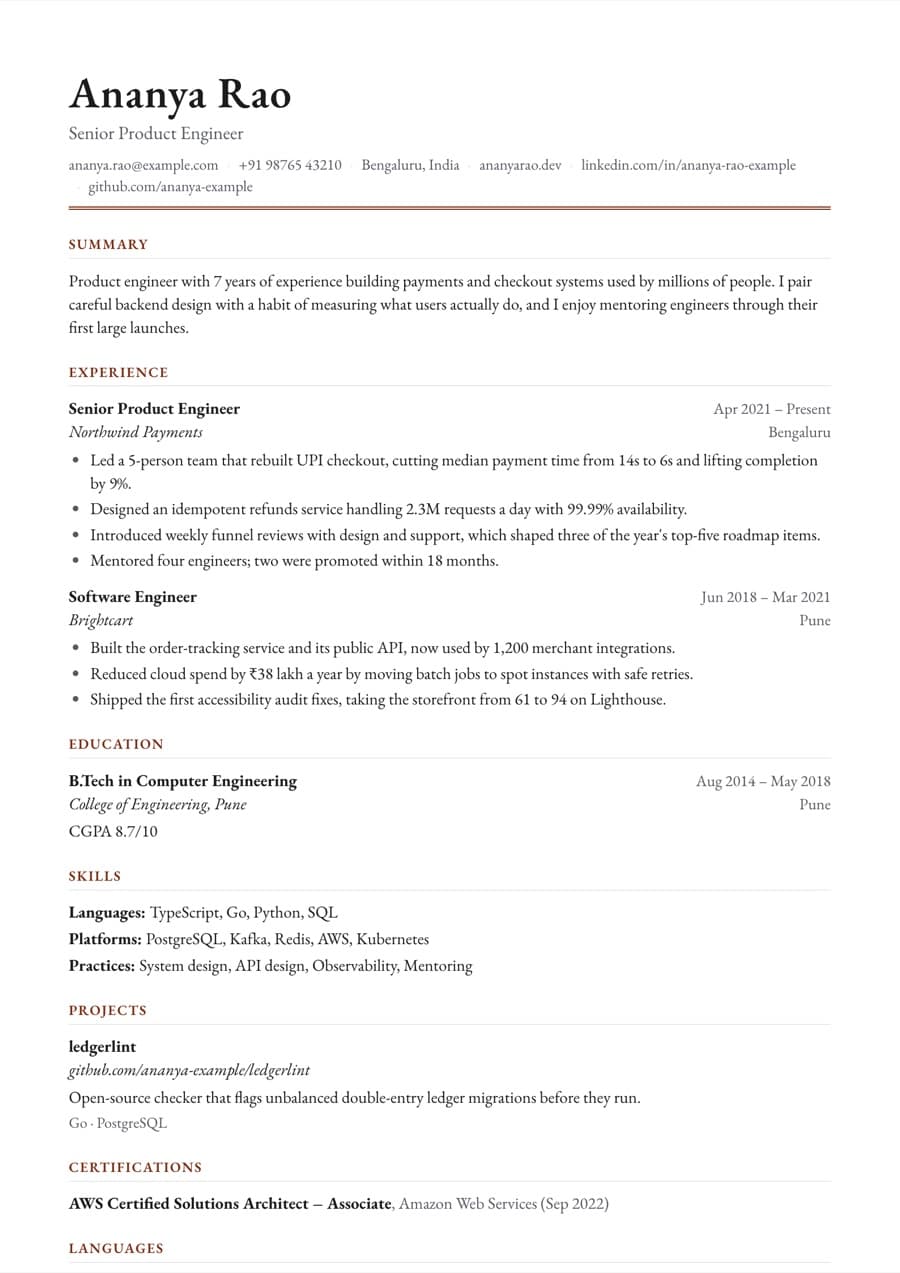
Edesy Resume
Best for ATSSingle column

Classic Resume Template

The Classic template uses a centered header, serif type and ruled section headings, the look most people picture when they think of a resume. It is a single-column layout, so it is a safe choice for online applications that pass through an applicant tracking system. It suits almost any role, from a first job after college to a mid-career move.

Free: all templates, unlimited PDF and Word downloads, no watermark.
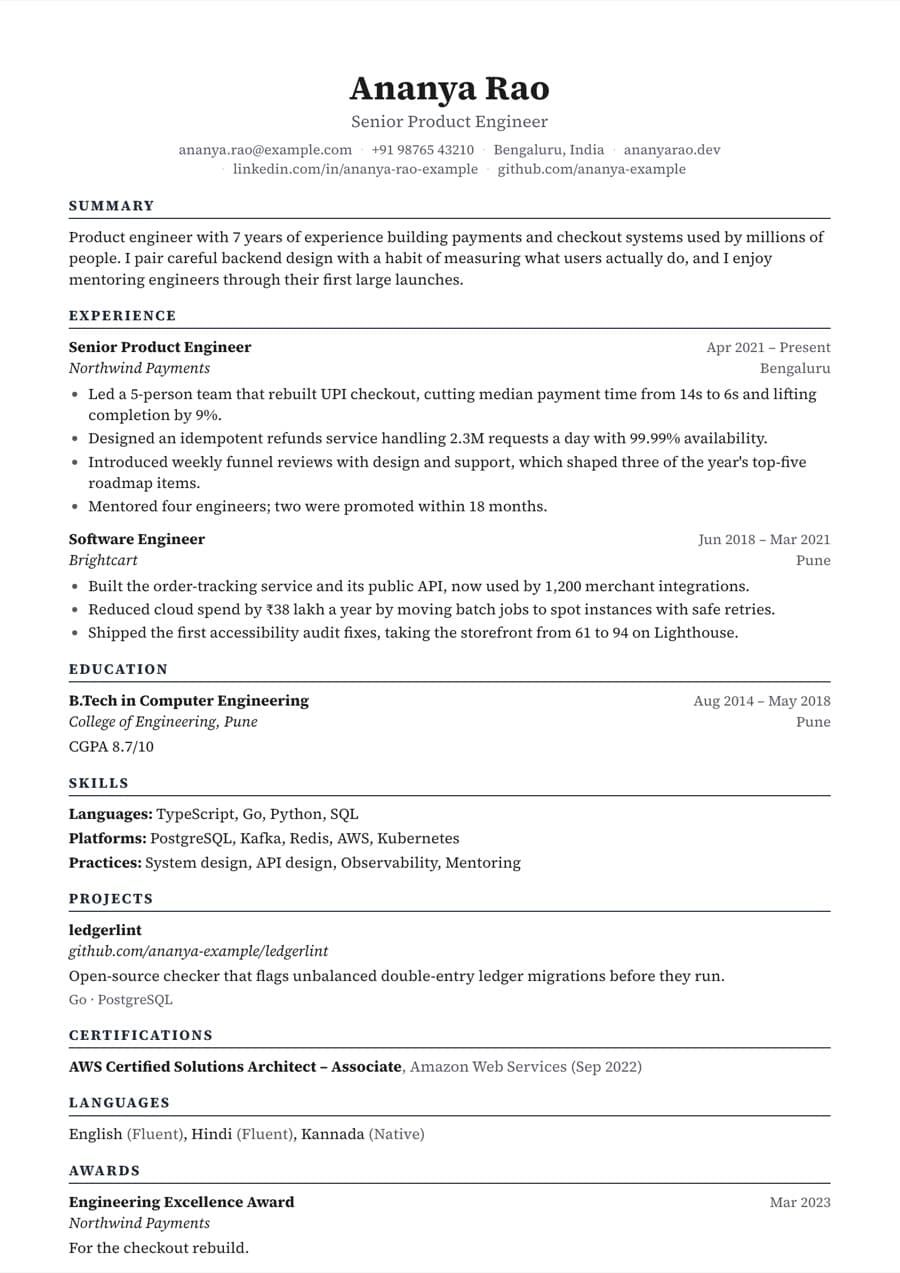
Classic resume template filled with an example resume

Preview with a fictional example resume.
Design details

  • Centered header with your name and contact details, followed by serif body text and ruled headings.
  • Default font is Source Serif with a charcoal accent (#1f2937), which keeps the page quiet and readable.
  • Switch to any of the 10 fonts, such as Merriweather or Inter, or pick one of 11 accent colors.
  • Font size, spacing, margins and section order are all adjustable, and you can choose A4 or US Letter.

Best for

  • Online applications that go through an ATS
  • Freshers and campus placement applications
  • Government, banking and other conservative sectors
  • Anyone who wants one safe resume to send everywhere
  • Mid-level professionals with a straightforward career history

Consider another template if

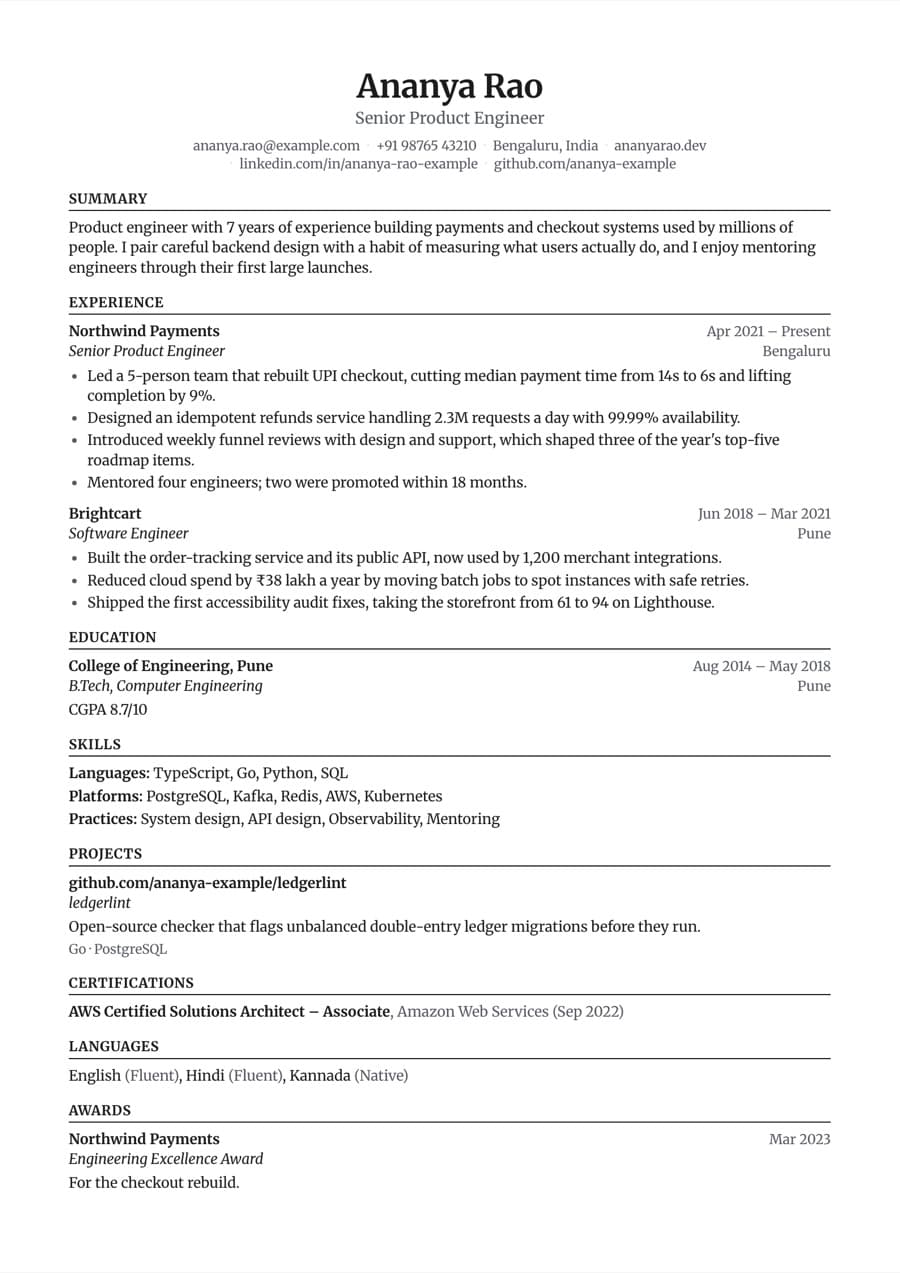
  • Harvard, if you want the organisation name to lead each role in the traditional career-office style.
  • Modern, if you prefer sans-serif type with an accent-colored headline for a more current look.
  • Compact, if your content runs slightly past one page and you want tighter spacing.

Is the Classic template ATS-friendly?

Classic is single column, so sections are read top to bottom in the order you set and parse cleanly in every ATS. It is one of the safest templates to use when you are applying through job portals.

Tips for filling in the Classic template

  1. Keep the header simple: name, phone, email, city and a LinkedIn URL. The resume score checks for phone and location because many recruiters filter by location.
  2. Use the ruled headings to your advantage by keeping section names standard, such as Experience, Education and Skills, so both ATS and recruiters find them quickly.
  3. Write 2-5 bullets per role and start each with a strong action verb instead of phrases like "responsible for".
  4. If you are a fresher, drag Education above Experience so your degree and CGPA appear first.

Who the Classic template suits

Similar templates

Classic resume template FAQ

Build your resume with the Classic template

Import your old resume or start from an example, check your score, then download a PDF or Word file for free.