Edesy Resume
Best for ATSSingle column

Harvard Resume Template

The Harvard template follows the traditional career-office format, where each entry leads with the organisation and the role sits below it. It is plain, structured and familiar to recruiters in consulting, finance, law and academia. Students and graduates applying through university placement cells often use this format too.

Free: all templates, unlimited PDF and Word downloads, no watermark.
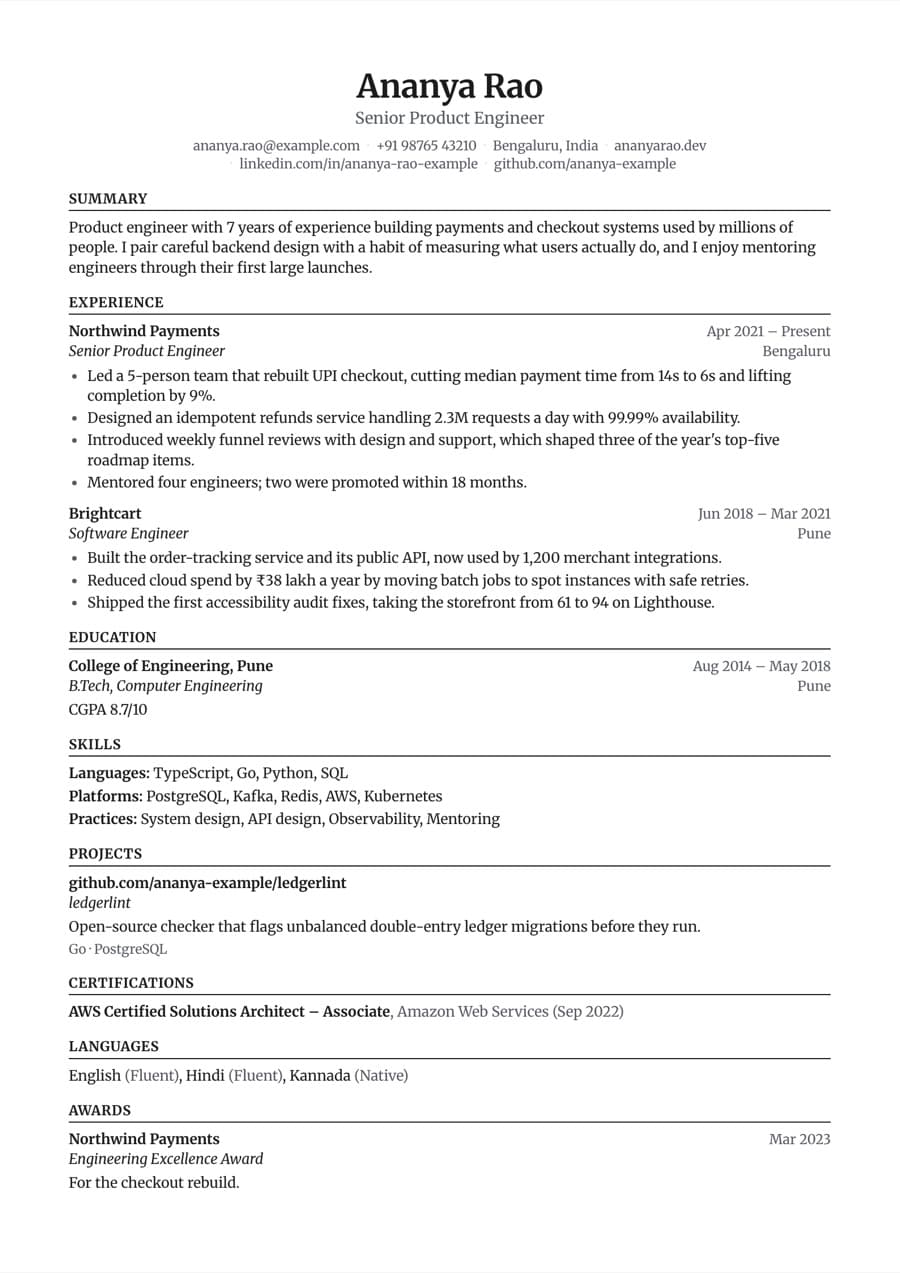
Harvard resume template filled with an example resume

Preview with a fictional example resume.
Design details

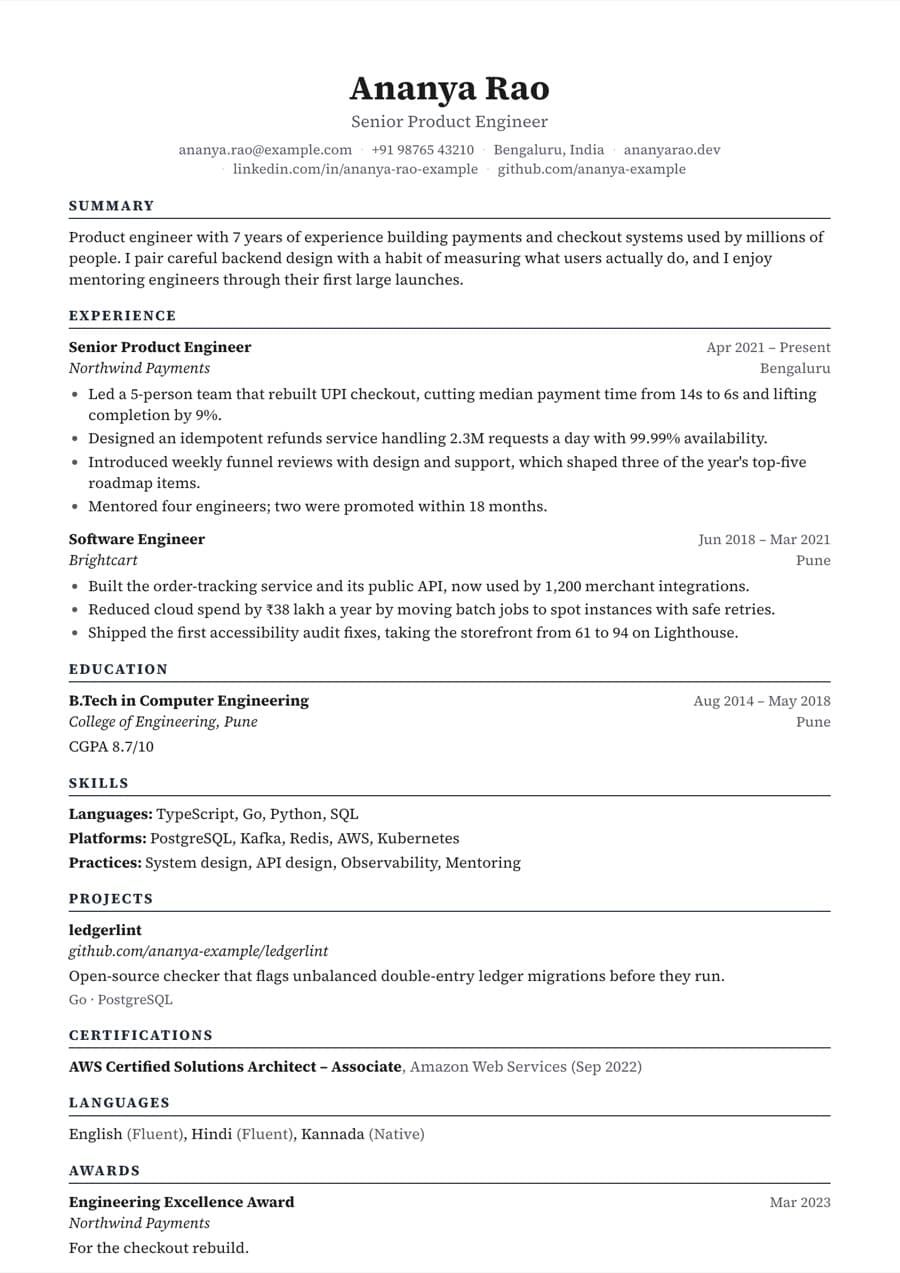
  • Organisation first on each entry with the role below, in the traditional career-office layout.
  • Merriweather at 9.5pt with a black accent (#111111) by default for a sober, print-friendly page.
  • Change to any of 10 fonts or 11 accent colors while keeping the organisation-first structure.
  • Font size, spacing, margins and section order are adjustable; choose A4 or US Letter.

Best for

  • Consulting, finance, banking and law applications
  • MBA and postgraduate applicants
  • University placement and campus recruitment
  • Research and academic roles
  • Candidates whose employers or institutions are well known in their field

Consider another template if

  • Classic, if your job titles matter more than employer names and you want a centered header.
  • Timeline, if you want dates in their own column so career progression stands out.
  • Executive, if you are senior and want a larger serif name and more room per section.

Is the Harvard template ATS-friendly?

Harvard is single column and text-first, so it parses cleanly in every ATS. Its plain structure is one reason the format is widely used for portal applications.

Tips for filling in the Harvard template

  1. Because the organisation leads each entry, write the full organisation name and city consistently across roles and education.
  2. Place Education first if you are a student or recent graduate, which is the usual order in this format.
  3. Keep dates on every role and in the same format; the app supports MMM YYYY, MM/YYYY or YYYY.
  4. Use concise, results-focused bullets with numbers where you have them, and avoid cliches like "team player" that the resume score flags.

Who the Harvard template suits

Similar templates

Harvard resume template FAQ

Build your resume with the Harvard template

Import your old resume or start from an example, check your score, then download a PDF or Word file for free.