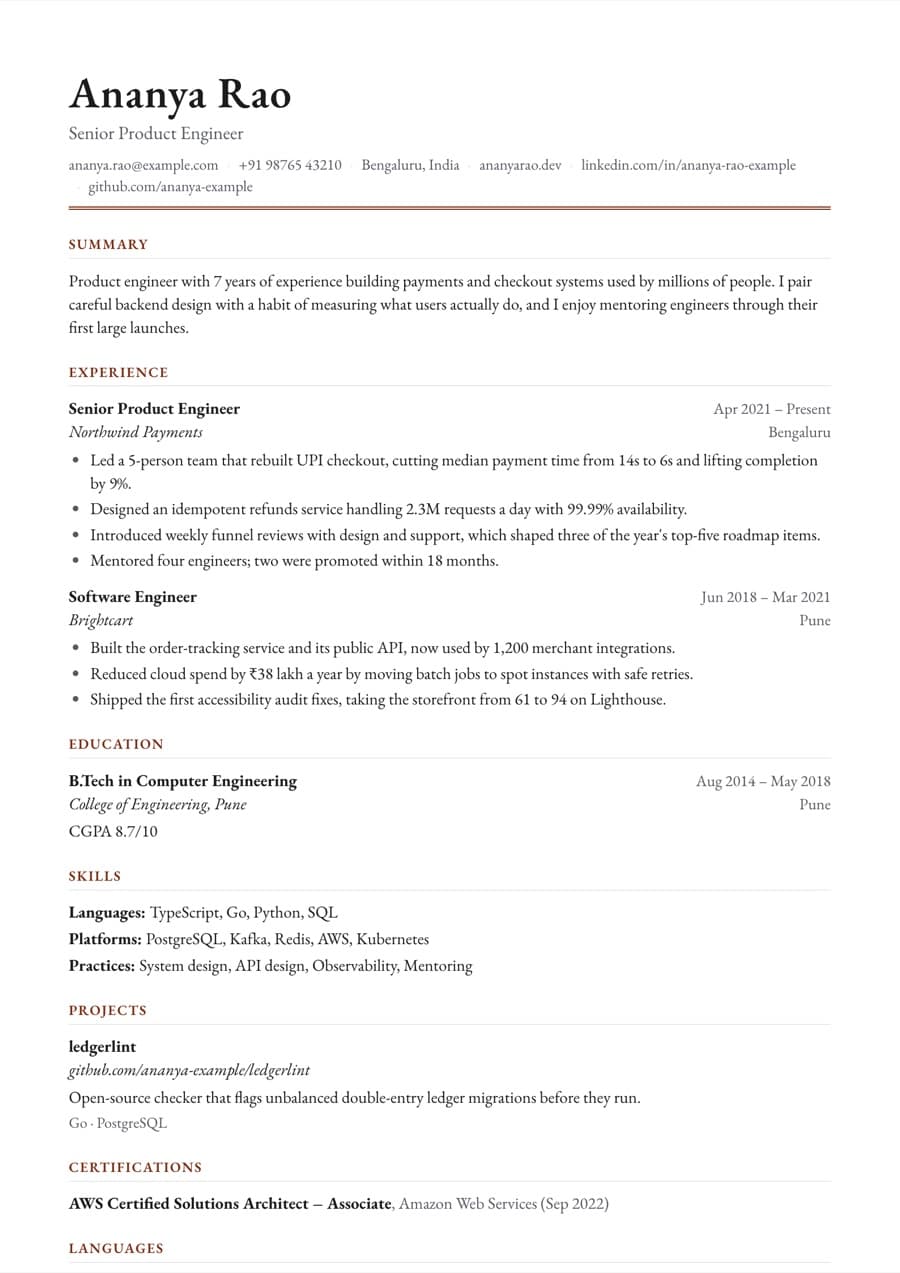
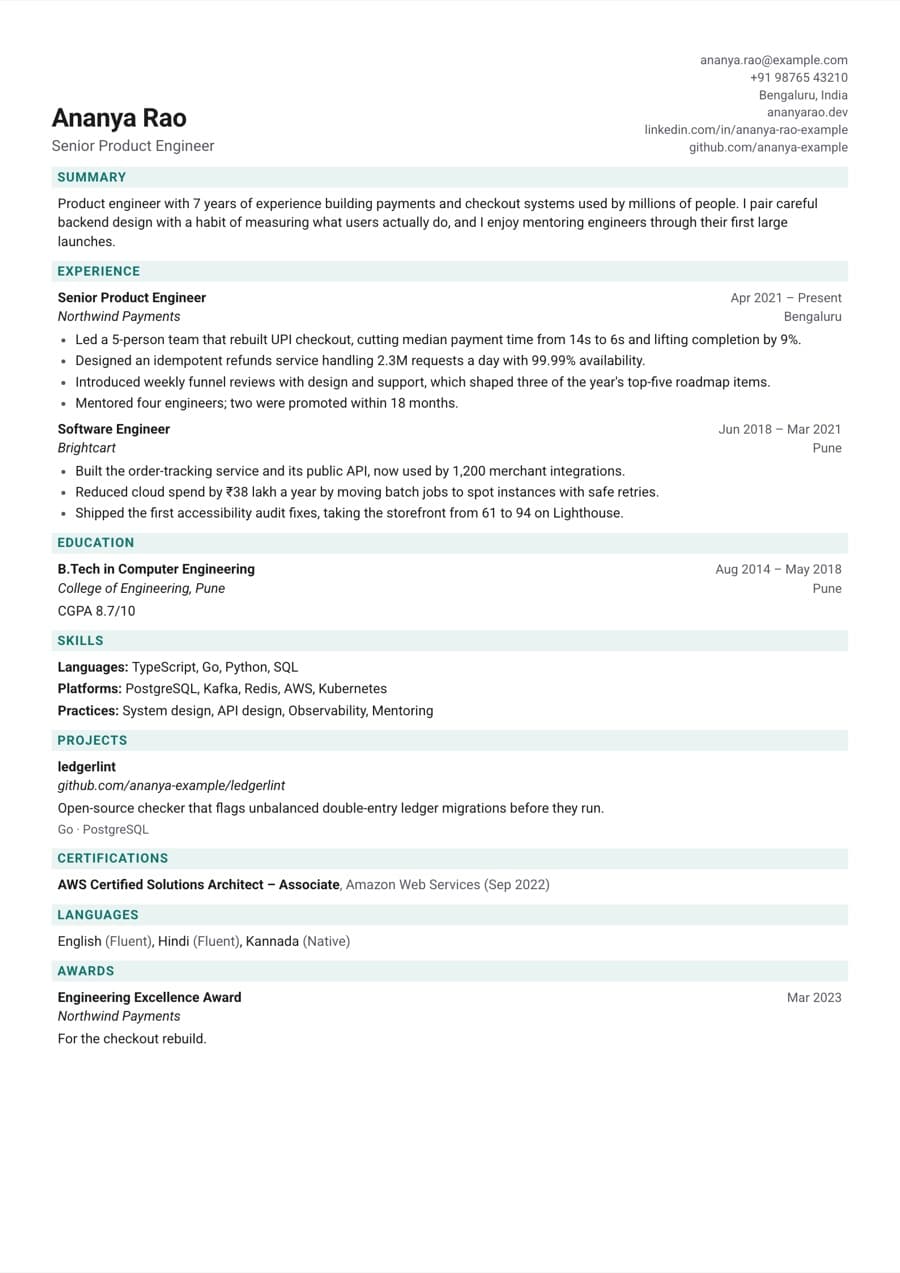
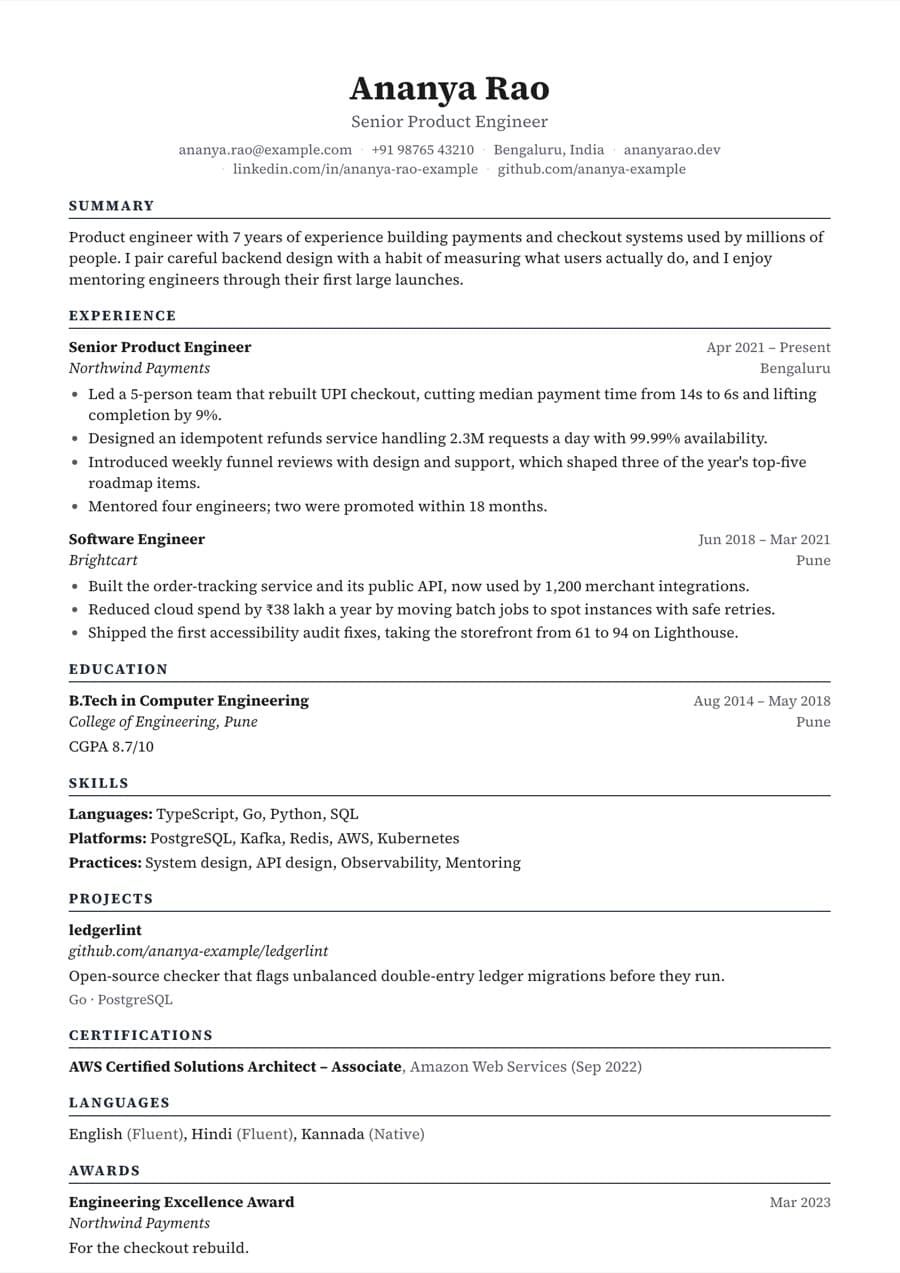
After several years of work, the challenge is no longer filling a page but choosing what to cut. Recruiters want recent impact, scope and progression, not a full history of every task. This guide shows how to update your resume for a job change, and Edesy Resume can import your existing PDF or Word resume so you do not start from scratch.
Three or four lines of 40-90 words: years of experience, functional area, industries and two signature results.
Give recent roles 4-5 bullets and older roles one or two. Roles more than 15 years back can be summarised in a single line.
Group by area, such as functional, tools and leadership. Remove outdated tools that no longer help.
Professional certifications that recruiters filter for in your field.
Move to the bottom. Degree, institution and year; drop school scores.
Company-level recognition and industry awards from recent years.
Fictional examples. Replace numbers in brackets with your own real results.
Stuck on wording? The AI resume writer improves your bullets using only facts already in your resume.
Already have a resume? Upload it as a PDF or Word (.docx) file and Edesy Resume splits the content into sections you can edit, reorder and restyle.
Paste a job posting and Edesy Resume compares it with your resume.
Edesy Resume scores your resume from 0 to 100 as you edit it, using specific checks for contact details, bullet quality, keywords, length and layout.
When you apply through several job portals, company sites and referrals, it is easy to lose track.
Start from an example or import your old resume, check your score, then download a PDF or Word file for free.