Starting a chat mockup from a blank screen is slow. You have to invent names, write believable replies, and get the times and ticks right. Starting from a template is faster: open a conversation that already looks real, change what you need, download.
Below are 13 free chat screenshot templates across 8 apps. Every image on this page was made with the free Chat Mockup Generator, and every template opens in it with one click. You can change the names, messages, times, theme and phone frame before you download.
How to Use These Templates
- Click Open this in the tool under any template.
- Edit the contact name and photo on the Profiles tab.
- Edit, add, reorder or delete messages on the Messages tab. Each message has its own time and tick status.
- Switch light/dark mode and pick a phone frame (iPhone 14, iPhone 15 Pro, Pixel 7, Galaxy S23, or none).
- Download as PNG, JPEG or WebP, or copy to your clipboard.
You can also switch templates from inside the tool: the Messages tab has a Start from a template menu.
Business Templates
Use these for product demos, landing pages, pitch decks and social posts about customer experience. They're built around the conversations Indian businesses actually have on WhatsApp and Instagram: order updates, appointment reminders, "DM for price" enquiries.
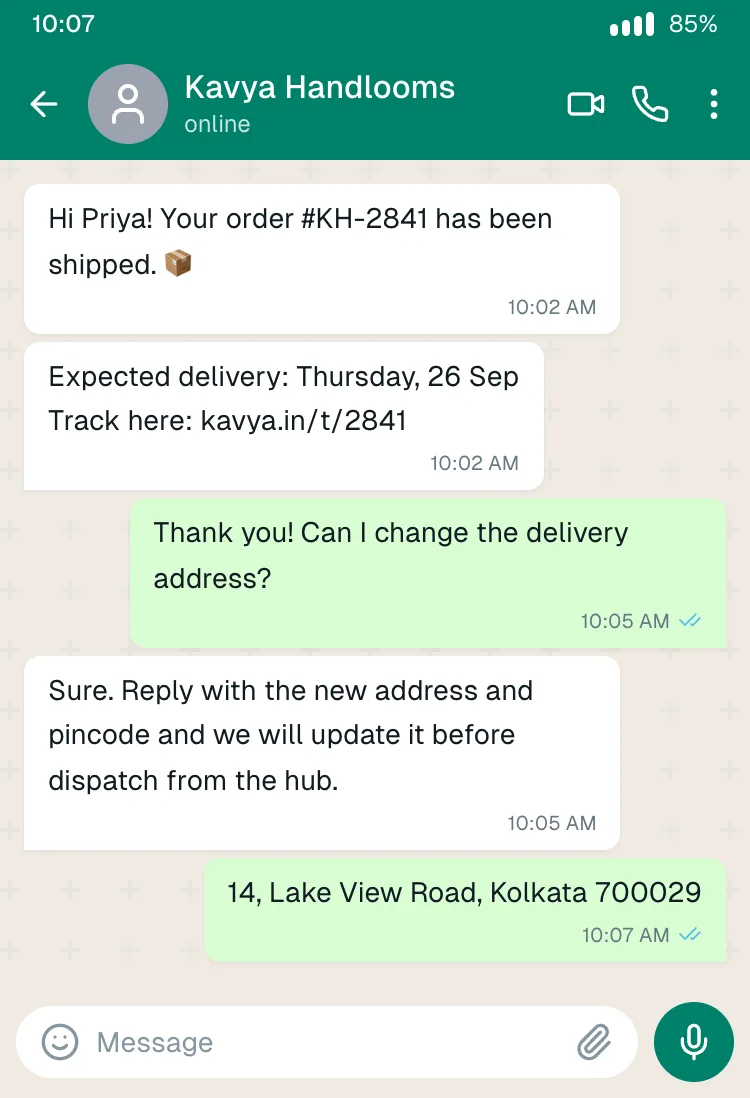
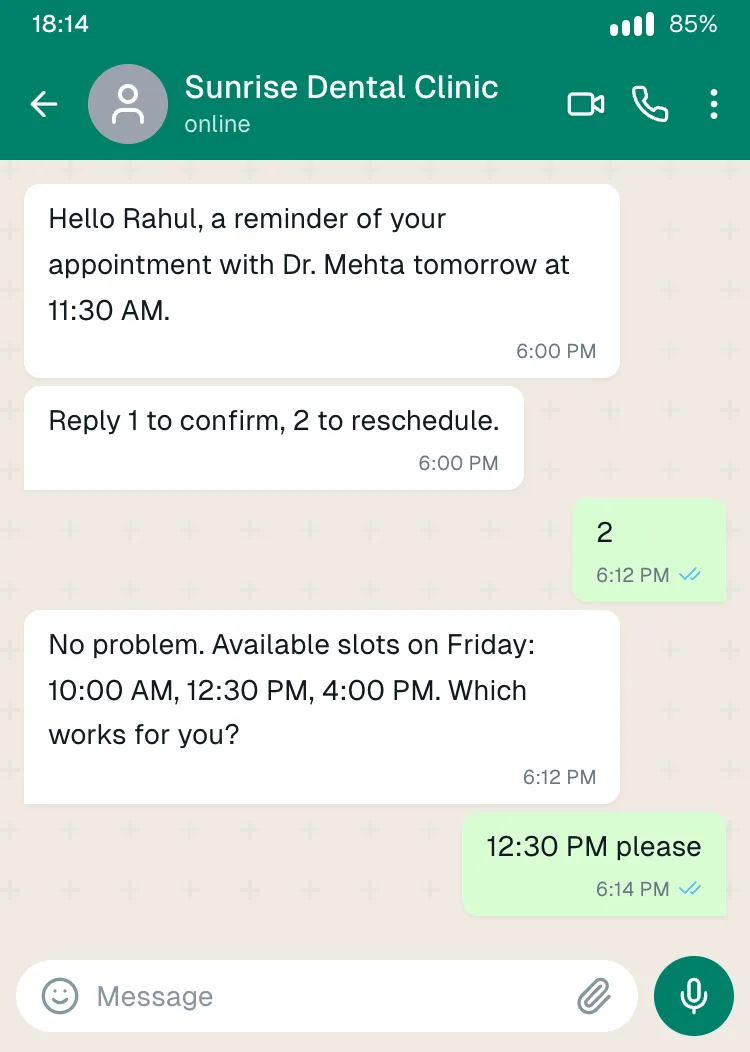
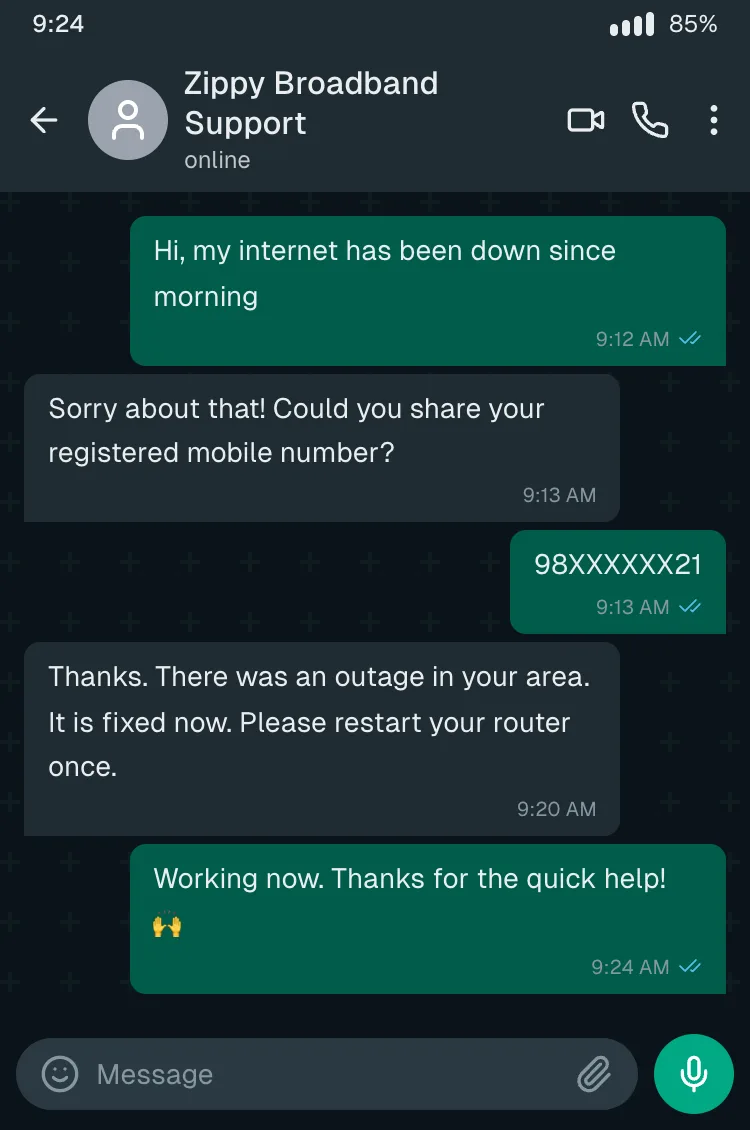
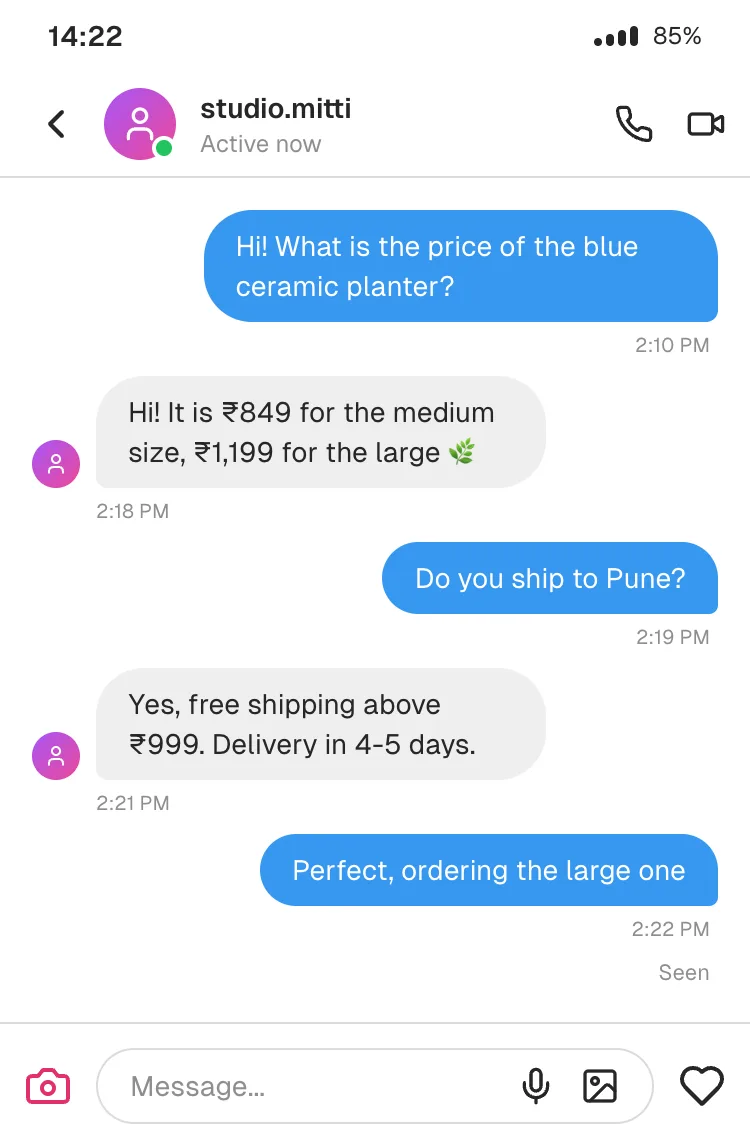
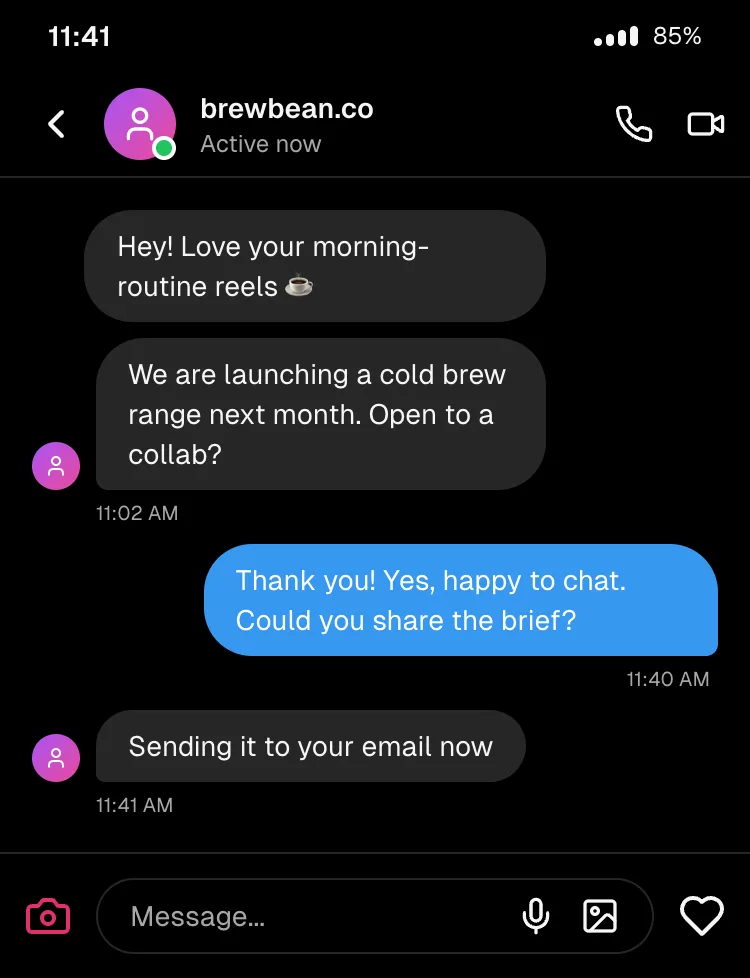
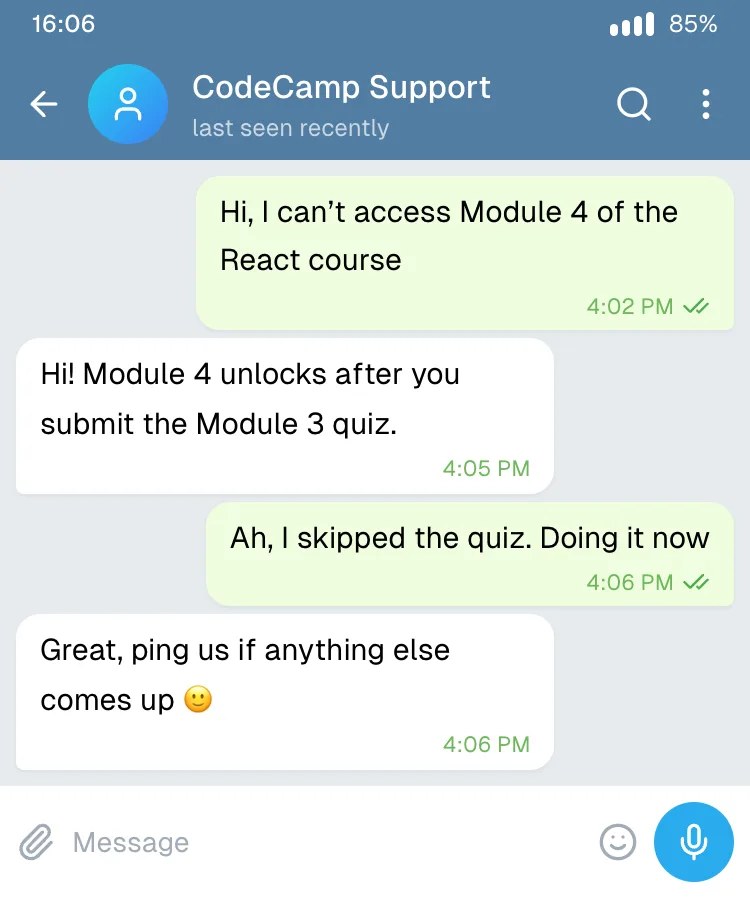
Tip: in a pitch deck, keep the phone frame on so the audience instantly reads "this is on the customer's phone". On a website hero, turn the frame off and drop the screen into your own device illustration.
Everyday Templates
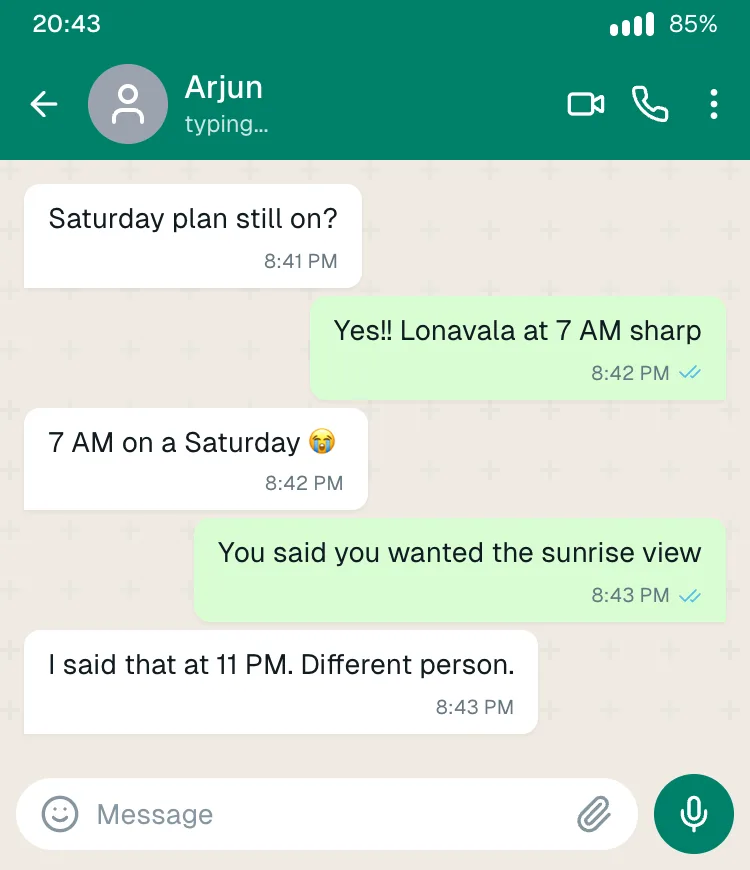
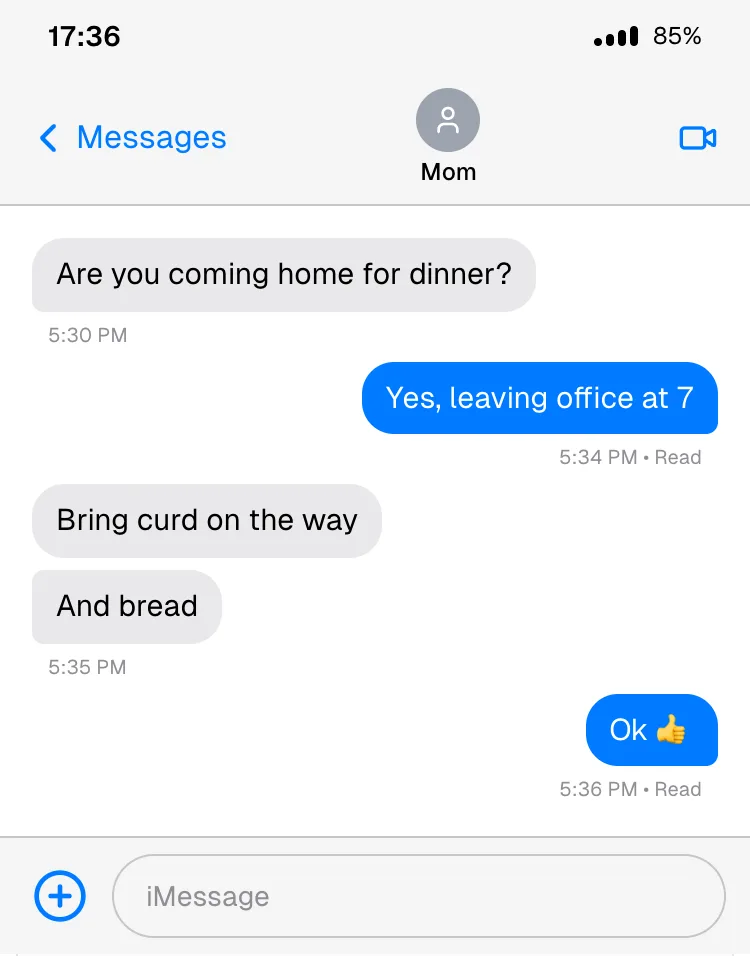
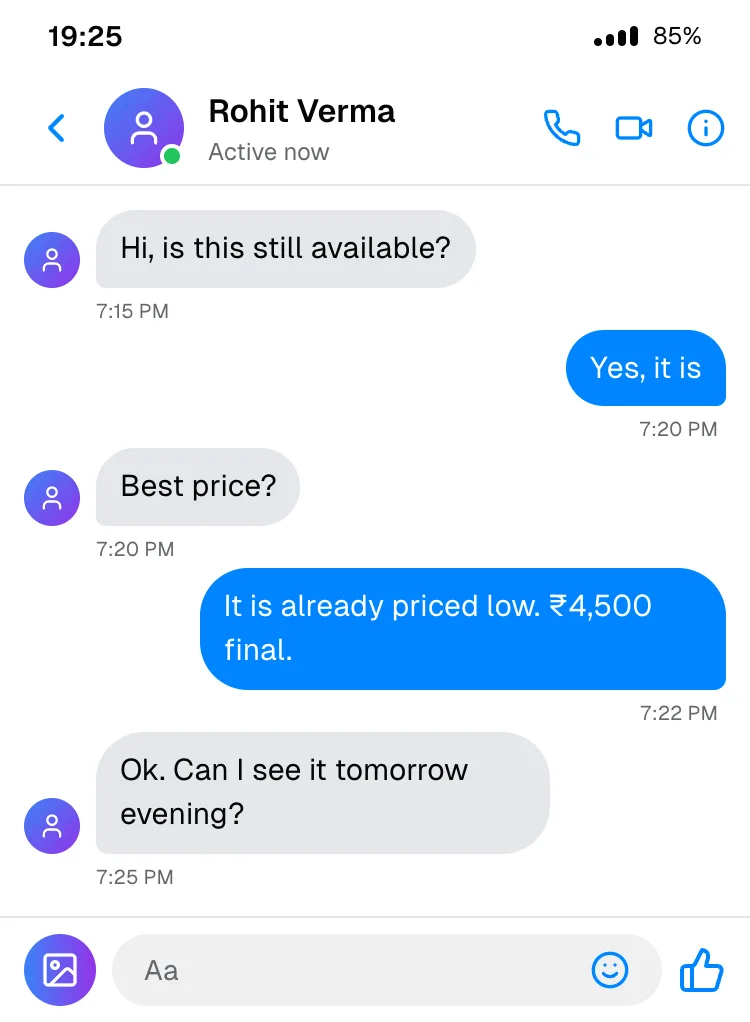
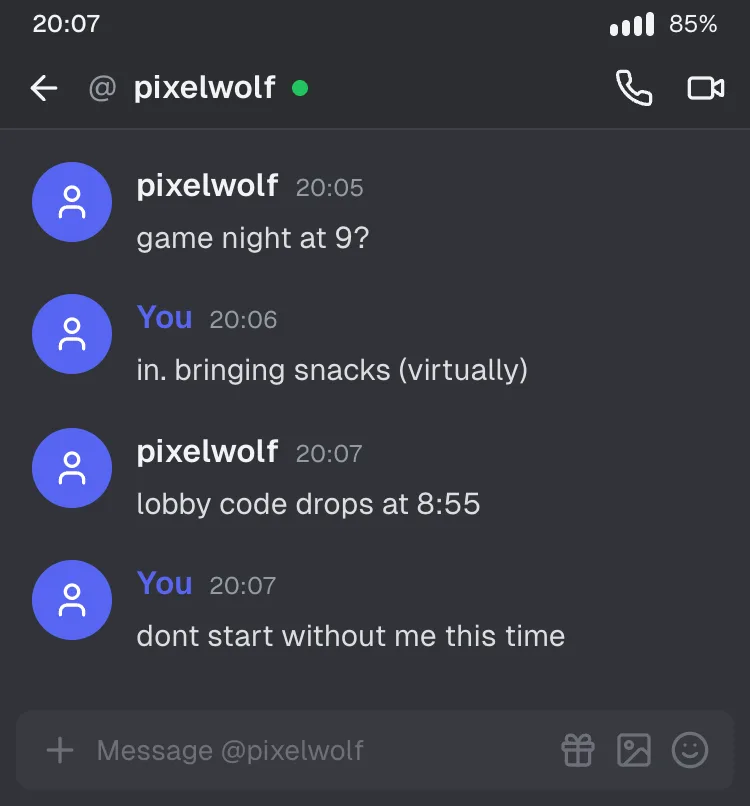
Casual conversations for memes, relatable posts, UI mockups of social apps, and short skits.
Team & Workplace Templates
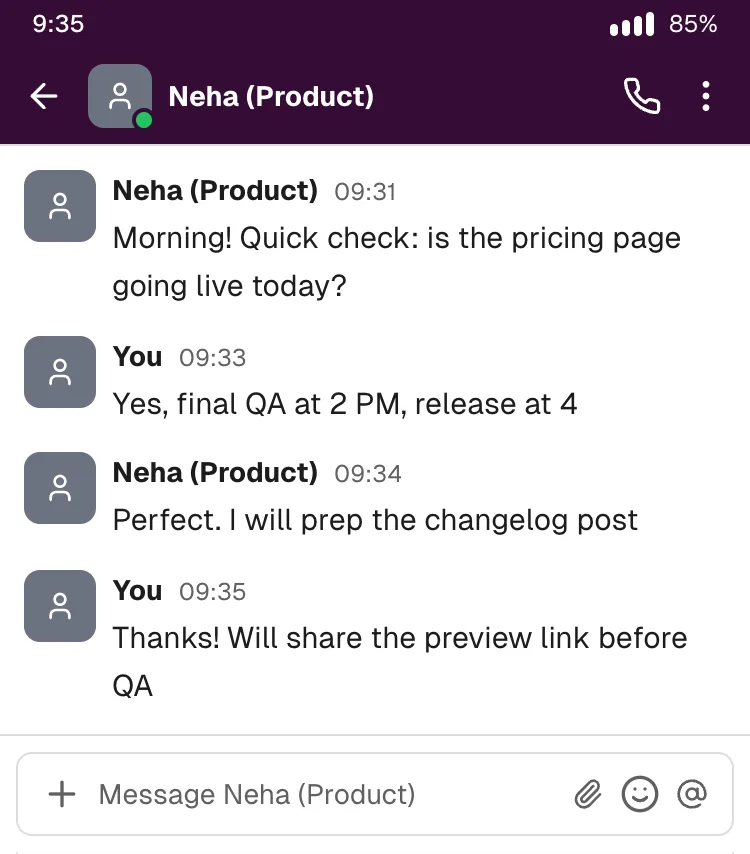
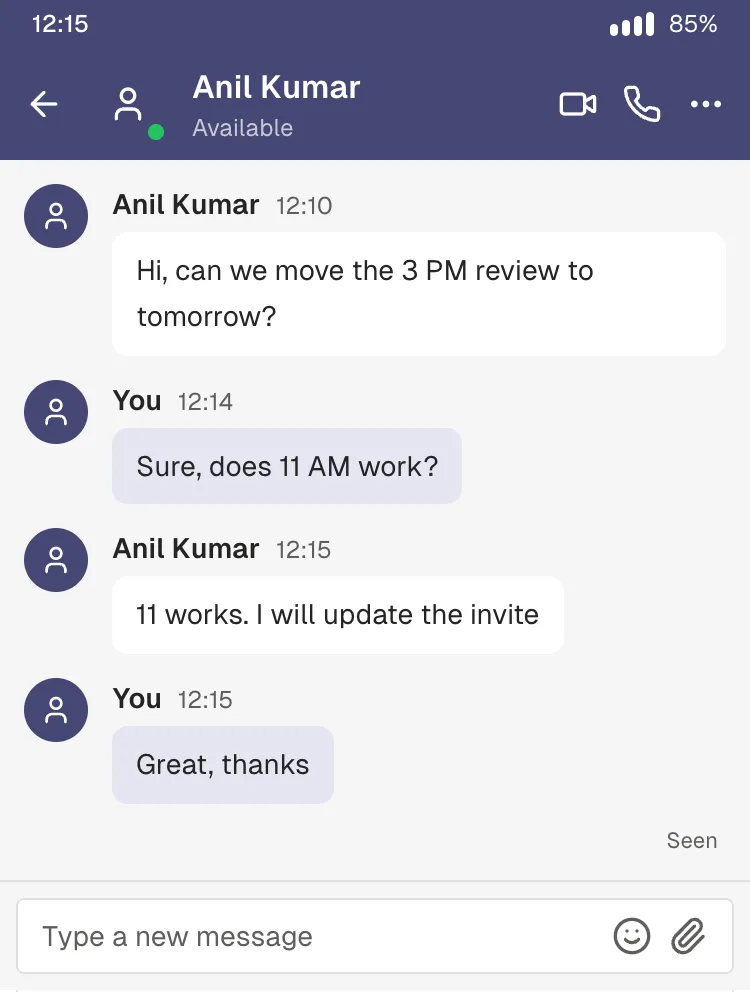
For SaaS product screenshots, internal docs, onboarding guides and "how our team works" posts. See how to mock up Slack, Teams and Discord conversations for more on using these.
Story Template
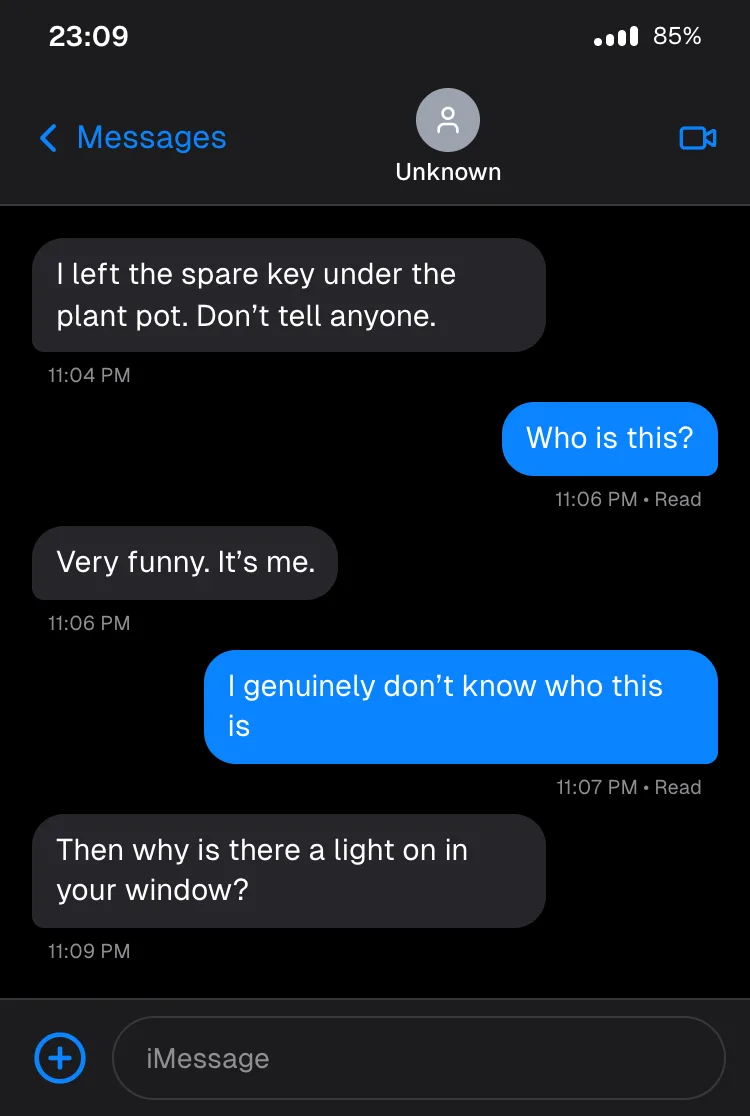
A short cliffhanger for text-story videos on Reels, Shorts and TikTok. Reveal it one message at a time. Here's how to turn it into a video.
Make Any Template Look Like Yours
- Swap the contact photo. A real-looking photo does more for realism than any other change.
- Make the times line up. The status-bar clock should match or come just after the last message. Templates already do this; keep it that way when you edit.
- Match the phone to your audience. Android frames read more naturally for most Indian audiences, iPhone frames for US-focused content.
- Localise the words. Change names, prices and places to your city and currency. "₹849, free shipping above ₹999" reads very differently from "$15".
- Keep messages short and uneven. Real chats are bursty. Split long replies into two or three bubbles.
What Templates Can't Do Yet
- One-to-one chats only. There's no group-chat template, because the tool doesn't do group chats yet.
- Text only. No photo messages, voice notes, reactions or quoted replies yet.
Use Templates Responsibly
These templates are for design, demos, education and storytelling. Don't use a mockup to impersonate a real person or business, fake a customer testimonial, or pass off an invented conversation as real. That's misleading, and in advertising it can break consumer-protection rules. (See can you use chat screenshots in ads?)
Frequently Asked Questions
Are these chat templates free? Yes. Every template opens in the free Chat Mockup Generator, with no signup and no watermark.
Can I change the app after opening a template? Yes. Pick a different app on the Platform tab and your messages carry over into that app's design.
Can I use these templates in commercial work? You can use the images you create in presentations, product mockups and marketing, as long as you don't present an invented conversation as a real customer's words. App names and designs belong to their owners, so avoid implying an endorsement.
Will more templates be added? Yes. Group chats, photo messages and more industries are on the roadmap.
Pick a Template and Start
Open the chat mockup generator →, or click Open this in the tool under any template above.