The "Script" block allows you to execute Javascript code.
Note: This block doesn't allow you to create a custom visual block
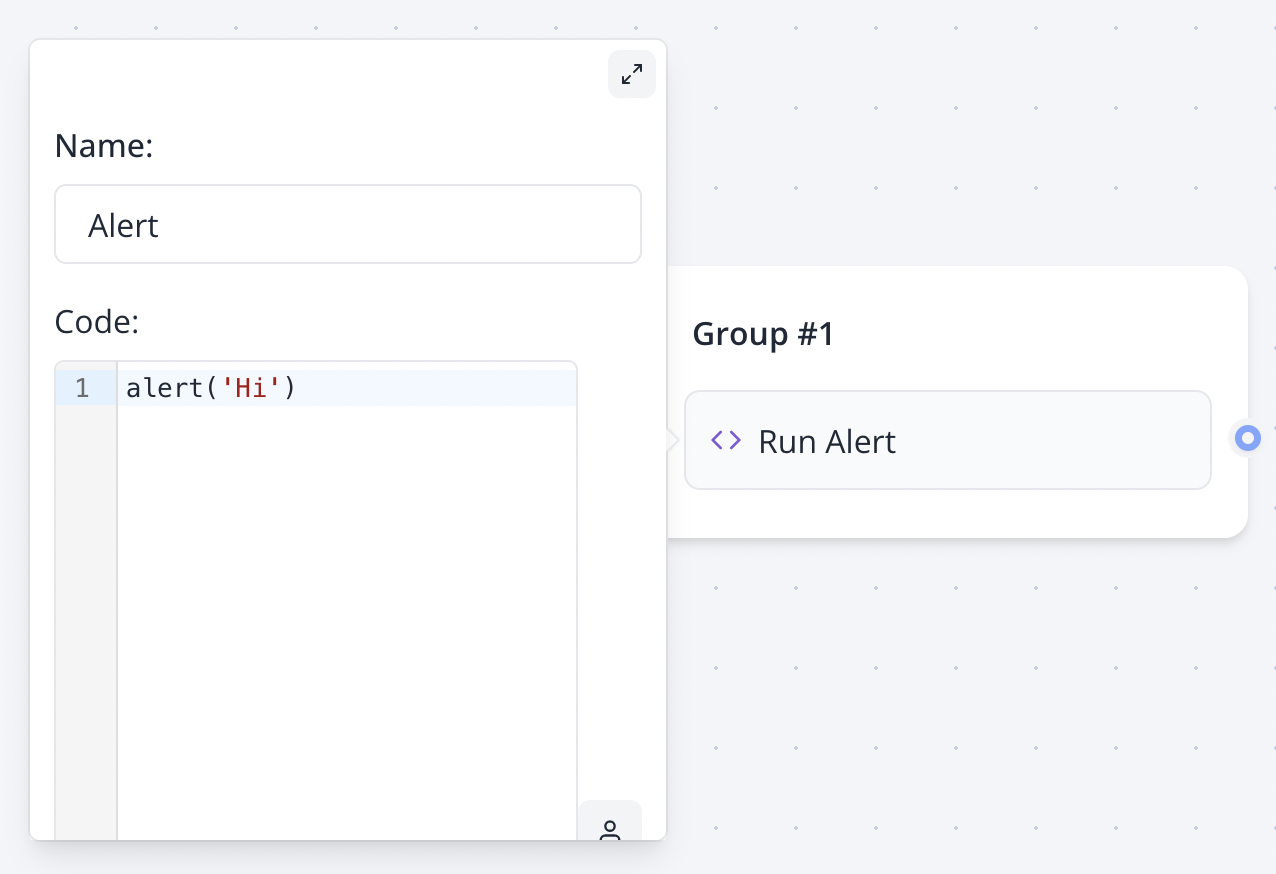
Note: Variables in script are not parsed, they are evaluated. So it should be treated as if it were real javascript variables.
You need to write
console.log({{My variable}})instead ofconsole.log("{{My variable}}")
setVariable function
If you want to set a variable value with Javascript, the Set variable block is more appropriate for most cases.
However, if you'd like to set variables in a Script block, you can use the setVariable function in your script:
if({{My variable}} === 'foo') {
  setVariable('My variable', 'bar')
} else {
  setVariable('My variable', 'other')
}
The setVariable function is only available in script executed on the server, so it won't work if the Execute on client? is checked.
Limitations on scripts executed on server
Because the script is executed on a isolated and secured environment, there are some limitations.
-
Global functions like
console.log,setTimeout,setInterval, etc. are not available -
The
fetchfunction behavior is slightly different from the nativefetchfunction. You just have to skip theawait response.text()orawait response.json()part.// This throws an error const response = await fetch('https://jsonplaceholder.typicode.com/todos/1') const data = await response.text() // This works const data = await fetch('https://jsonplaceholder.typicode.com/todos/1')responsewill always be astringeven if the the request returns a JSON object. If you know that the response is a JSON object, you can parse it usingJSON.parse(response).// This throws an error const response = await fetch('https://jsonplaceholder.typicode.com/todos/1') const data = await response.json() // This works const response = await fetch('https://jsonplaceholder.typicode.com/todos/1') const data = JSON.parse(response) -
You can't use
importorrequireto import external libraries -
You don't have access to browser APIs like
window,document,localStorage, etc. If you need to use browser APIs, you should check theExecute on client?option so that the script is executed on the user's browser.
Examples
Reload page
window.location.reload()
Redirect if a variable has a specific value
if({{Category}} === 'qualified') {
  window.location.href = 'https://my-site.com'
}
Do you need to do something but you're not sure how to? Visit the Zapbot community for help!