Edesy Blog

Blog Templates

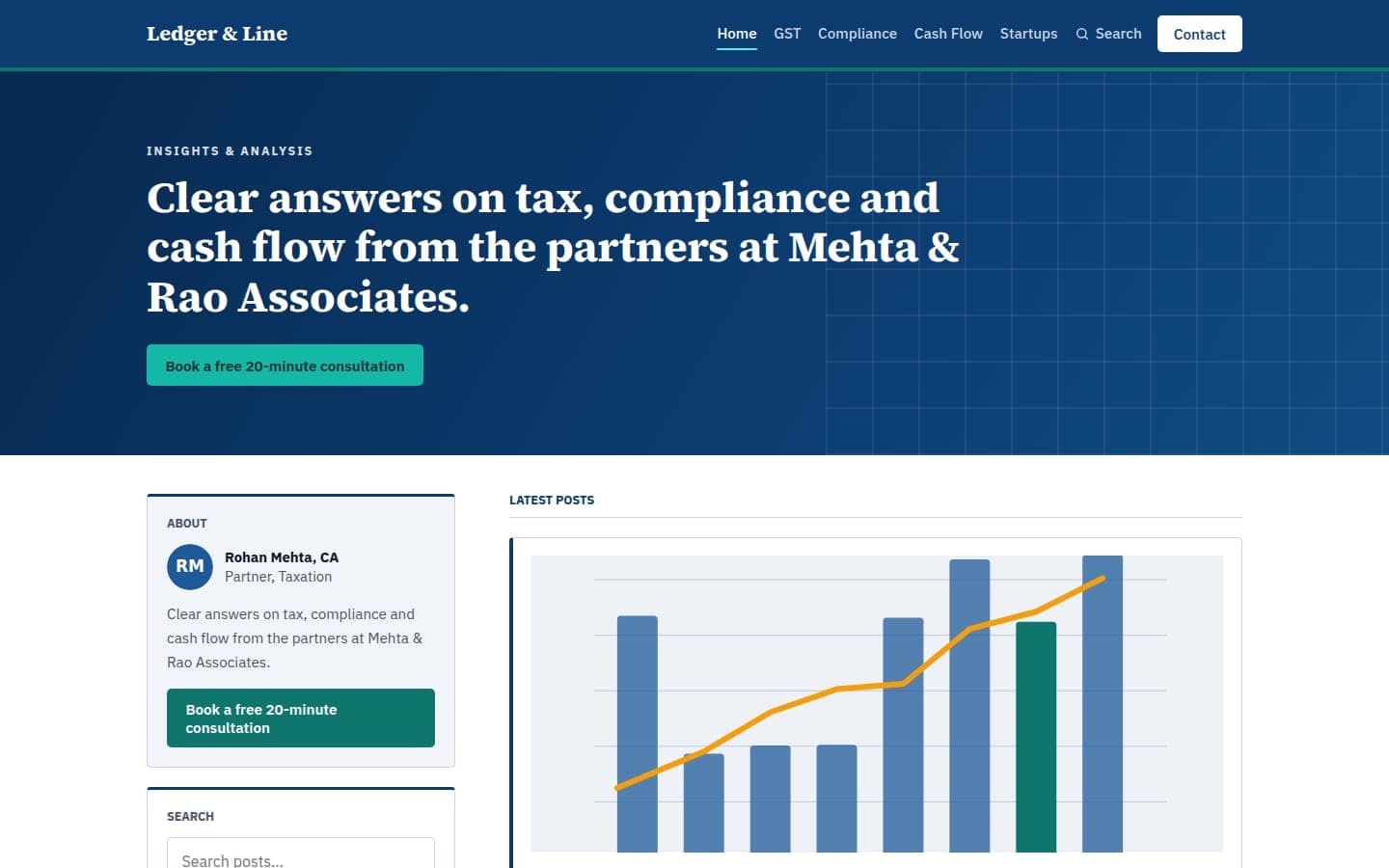
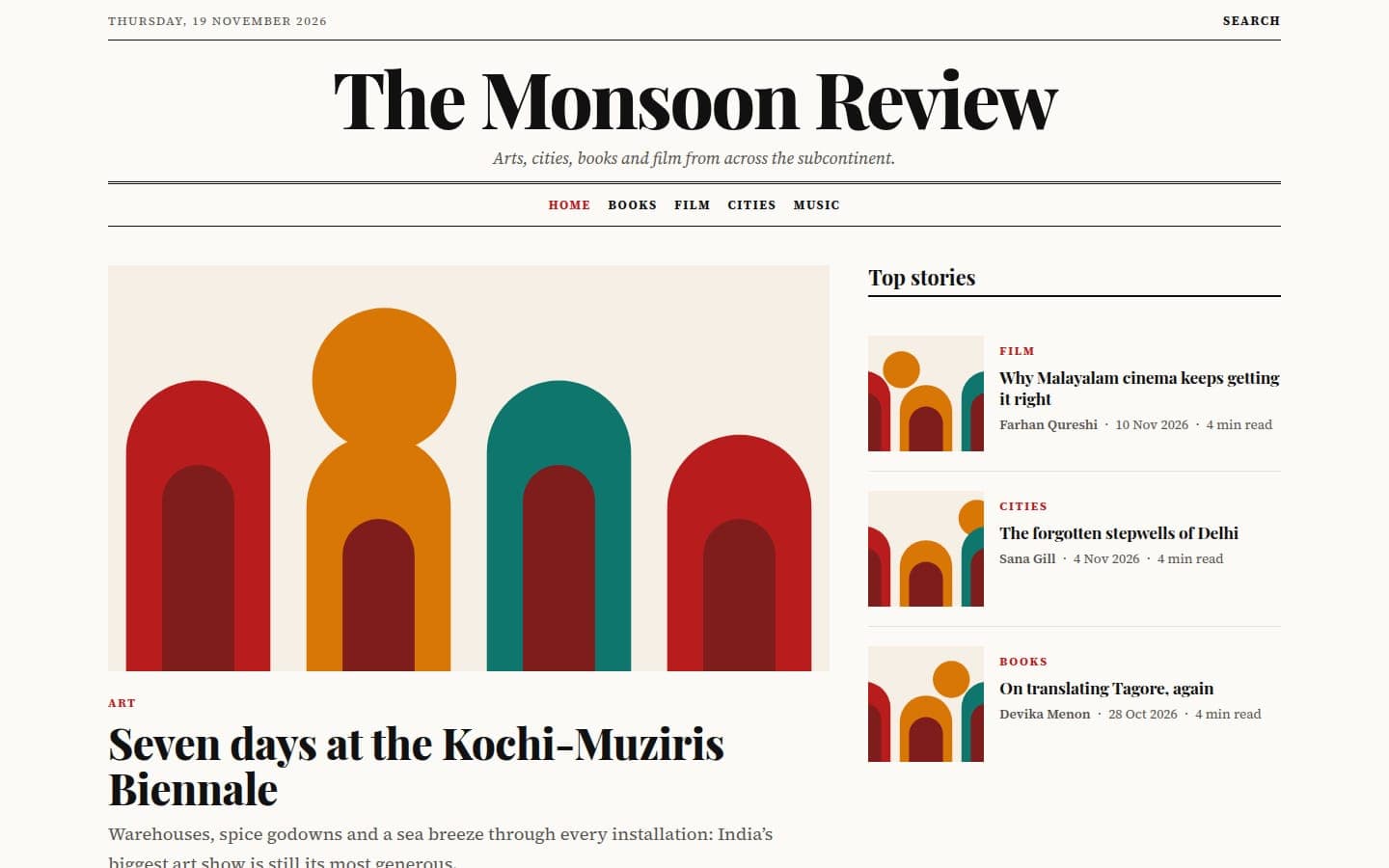
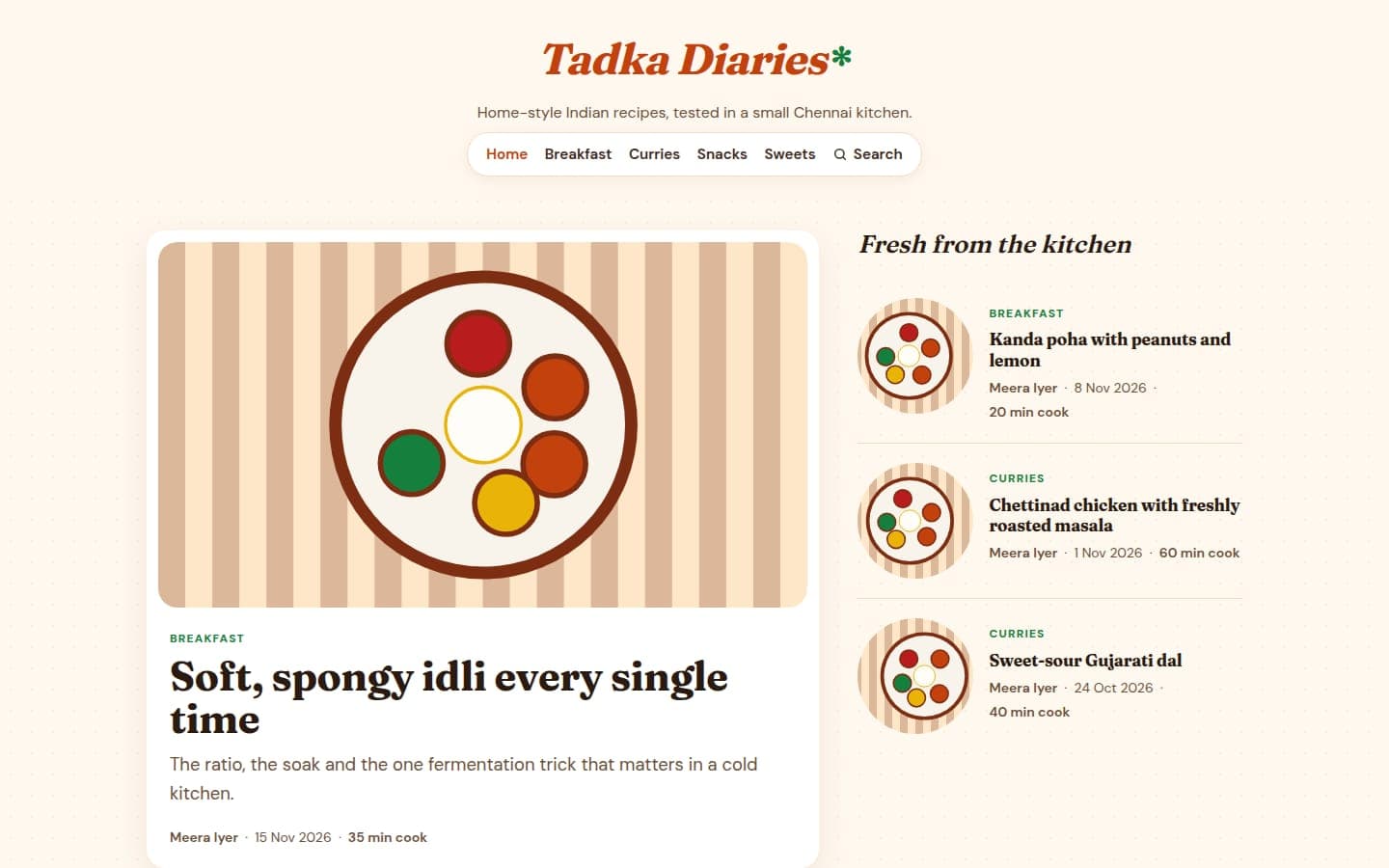
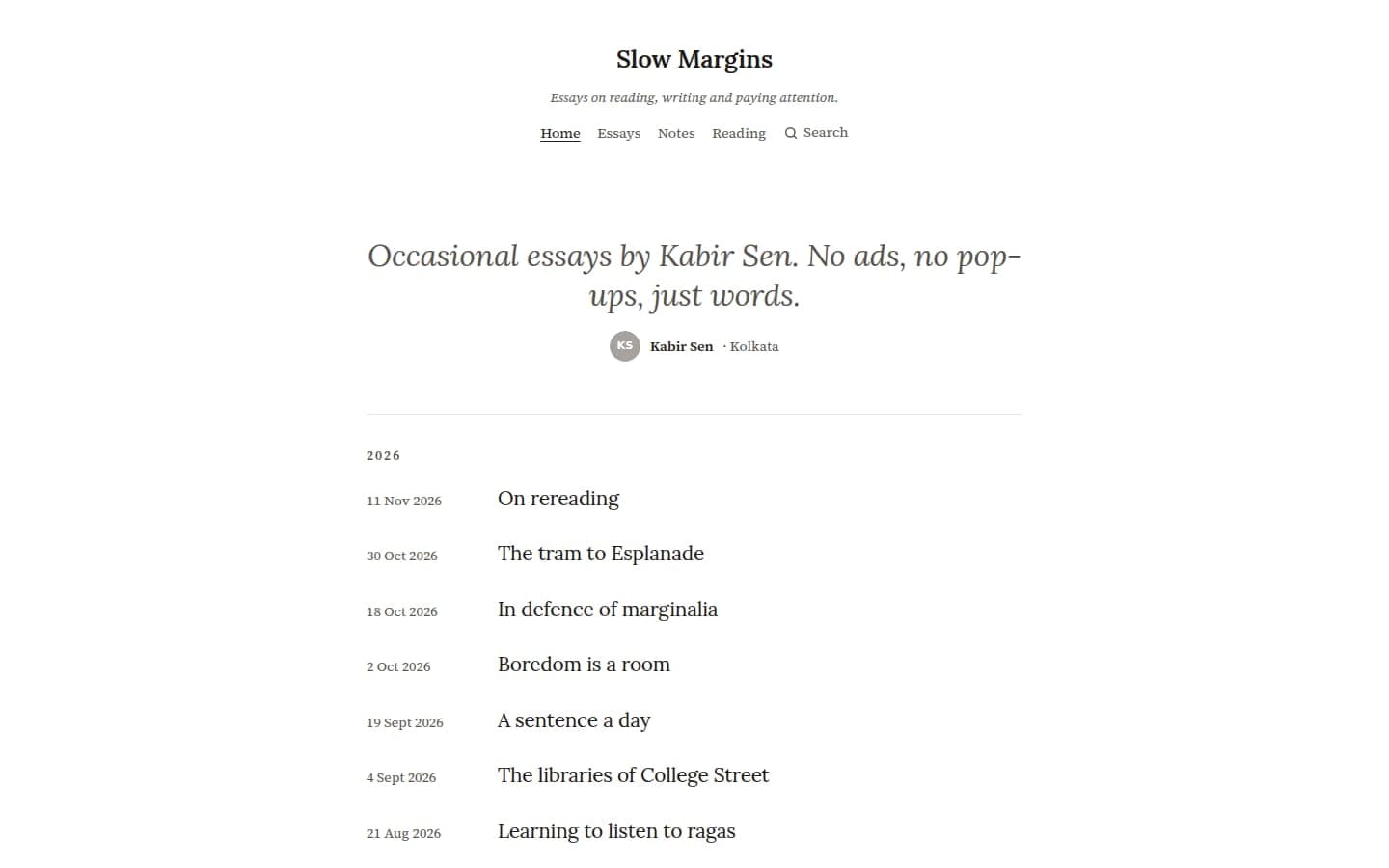
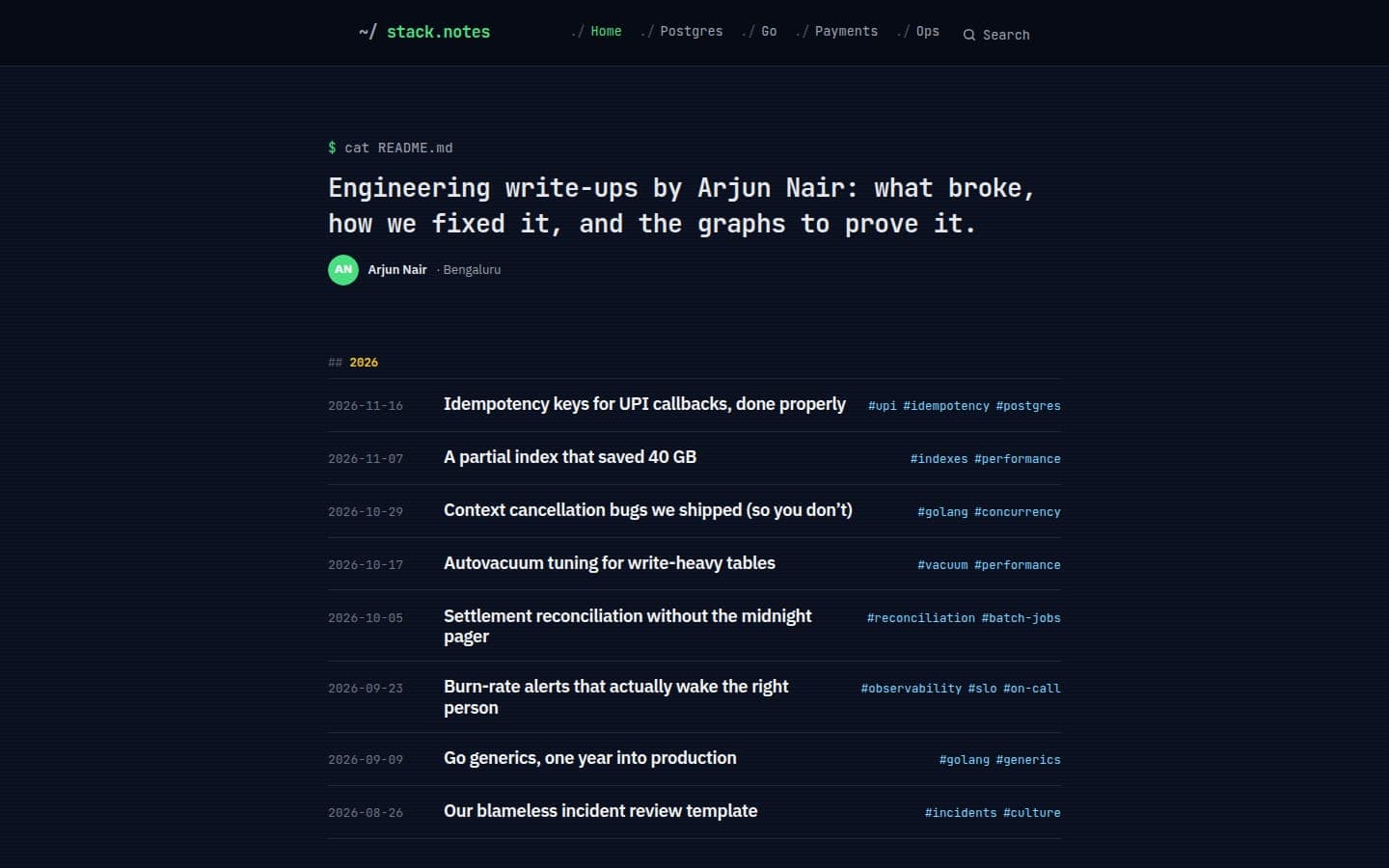
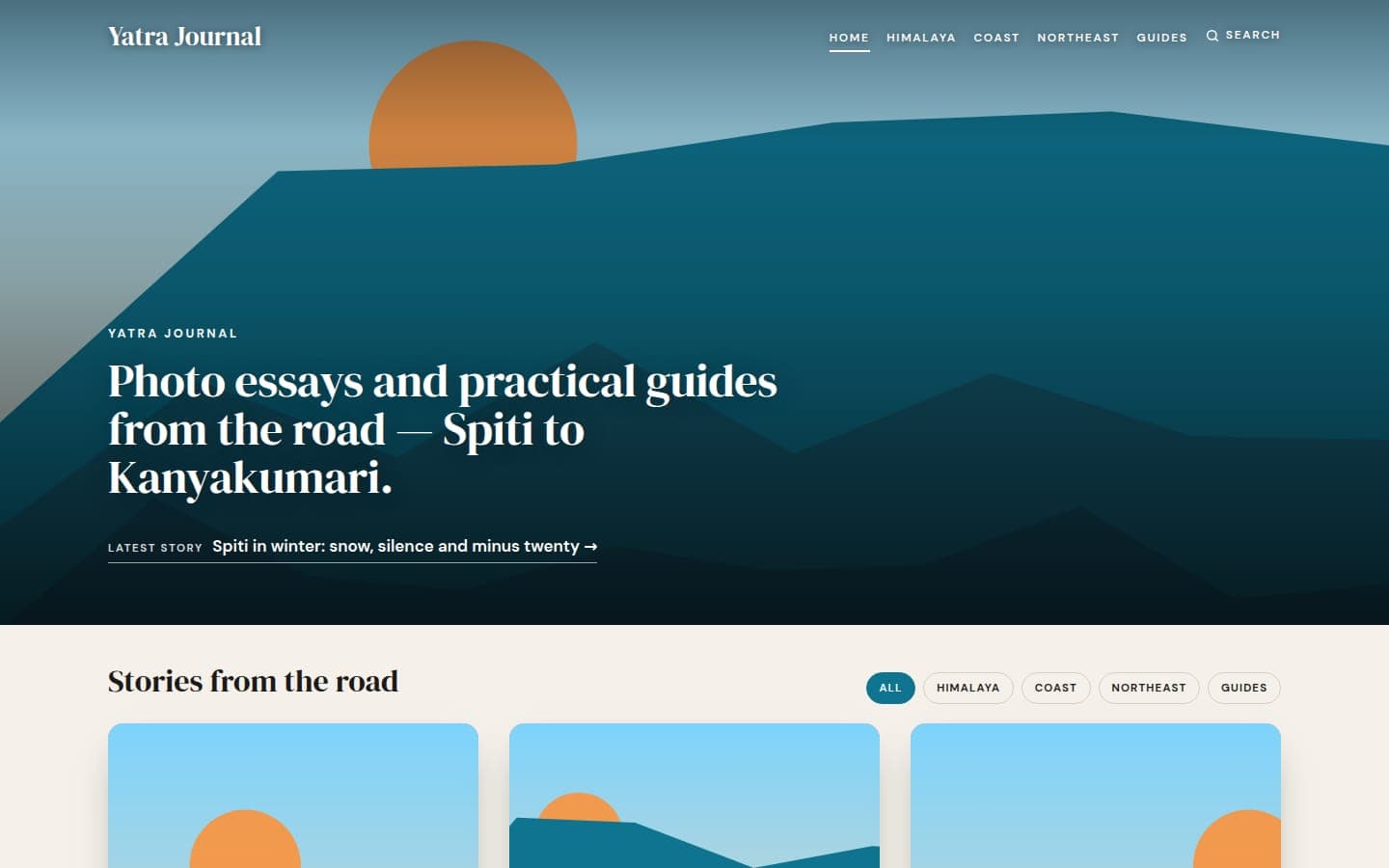
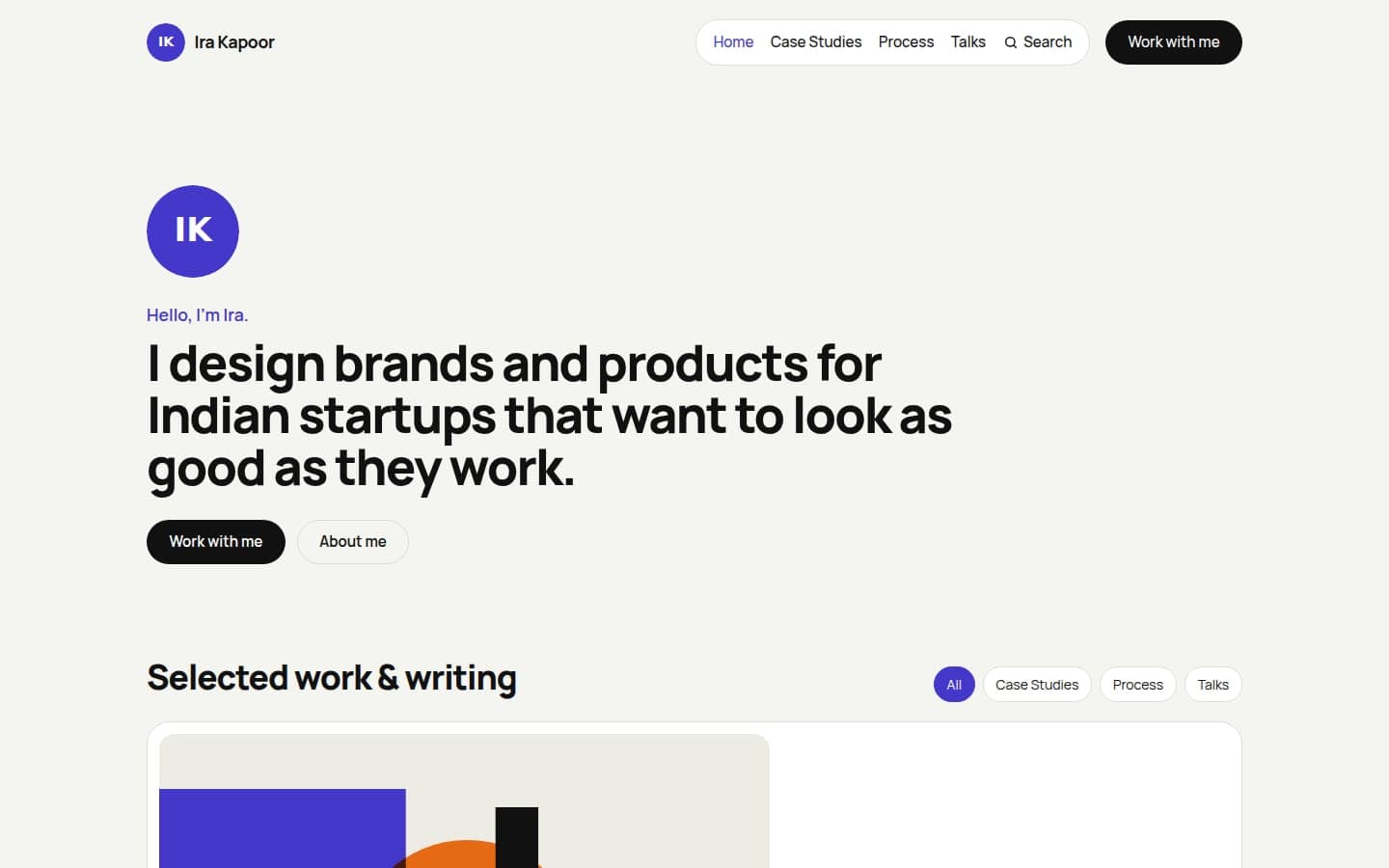
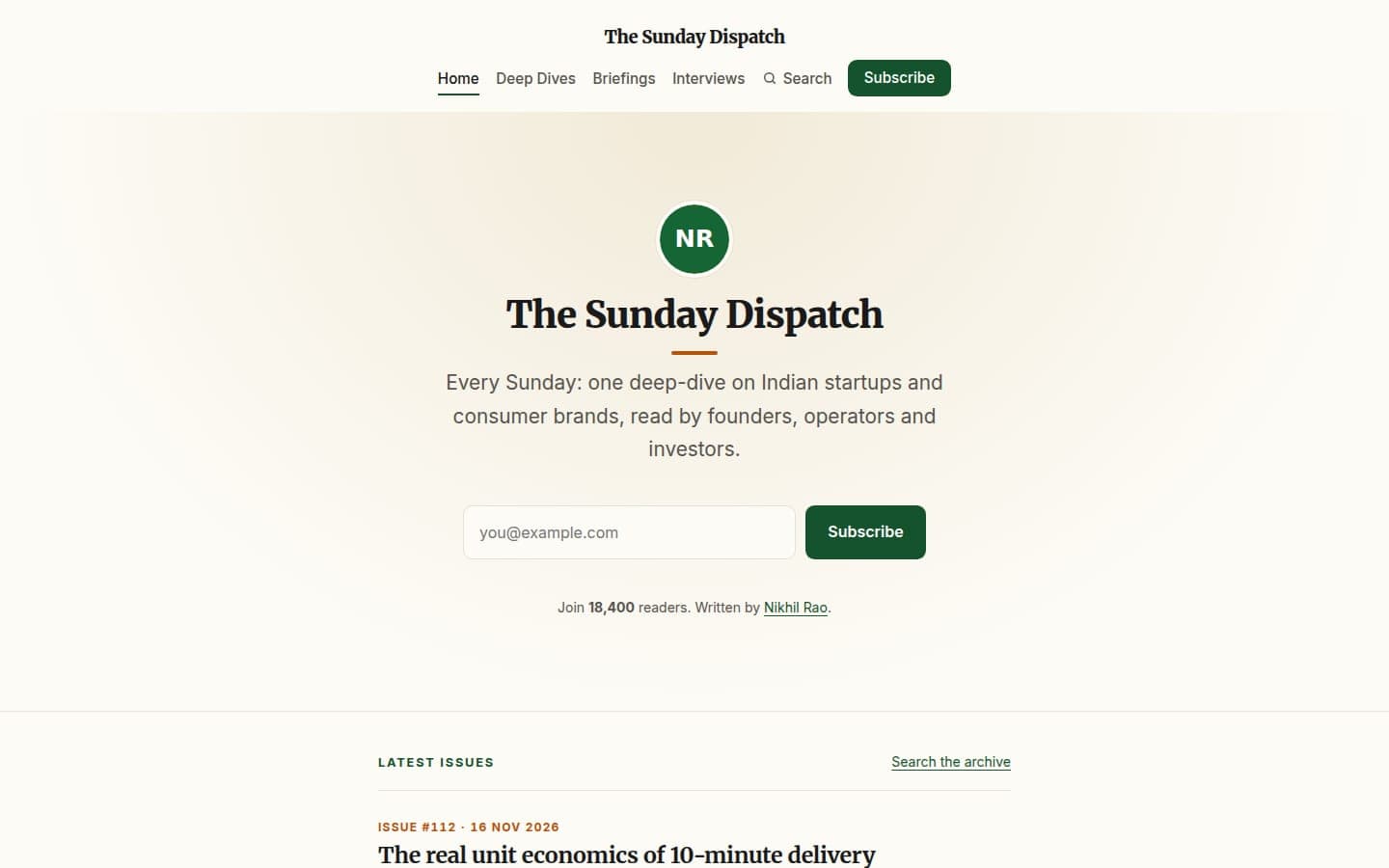
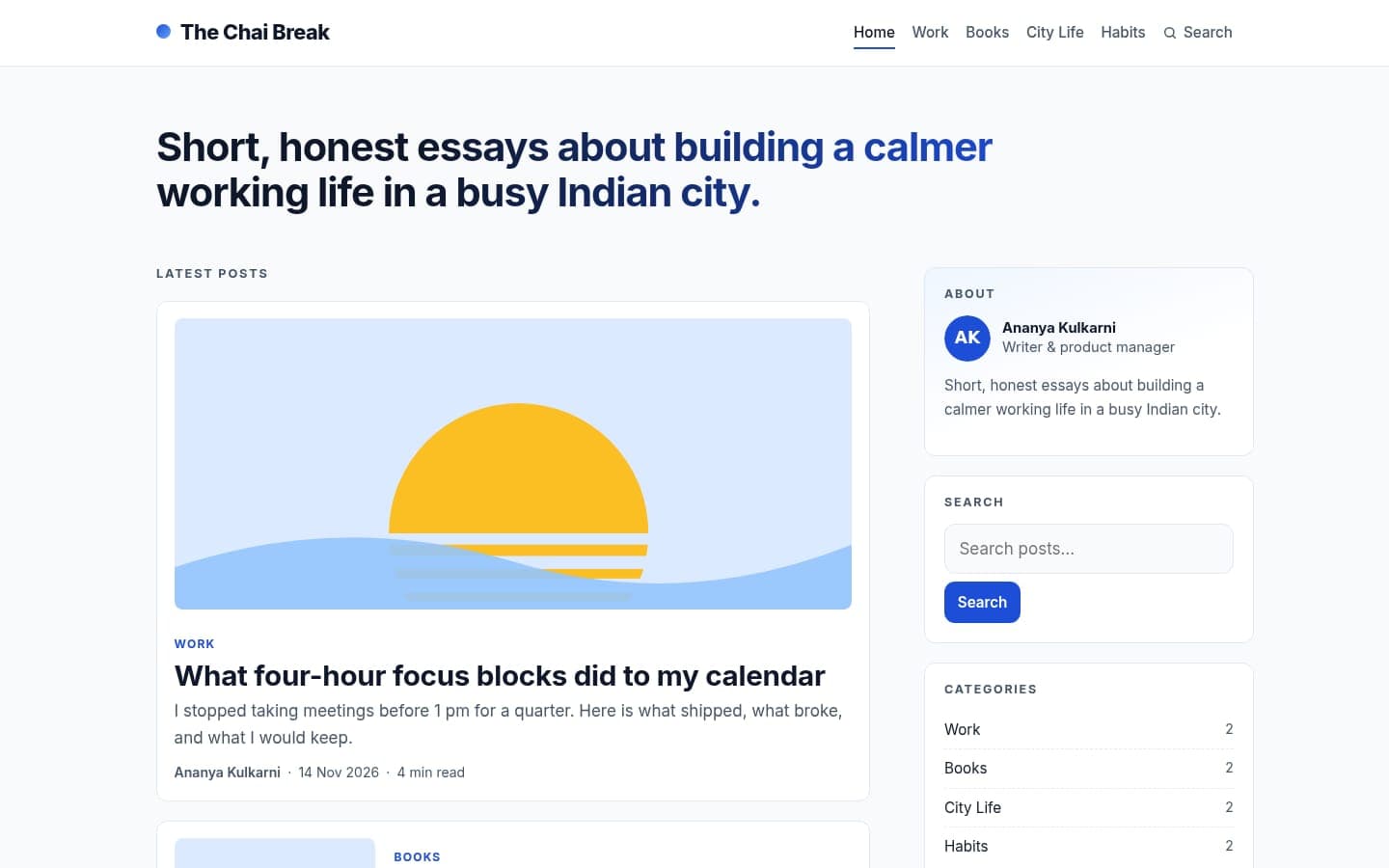
10 themes for Edesy Blog, built on five layouts: a classic list with a sidebar, a magazine front page, a quiet reader for long essays, a portfolio of cover images and a newsletter-first page. Every live preview is filled with sample posts.

Five layouts, ten looks

Each theme sits on one of five layout families, which decide how the home page, a post, a category, a tag, an author page and search results are arranged. The theme then sets the colours, type and details on top: Business and Classic share the list-and-sidebar layout but read very differently; Tadka and Magazine share the front-page grid.

Every theme includes tag, author and search pages, pagination, and a newsletter box, so you do not lose features by choosing a simpler look.

Picking a theme

If you publish often and have several writers, start with Magazine or Tadka. If people come for one long essay at a time, Minimal or Terminal keeps the page quiet. Photographers and travel writers usually want Yatra or Studio, where the cover image leads. If your blog exists to grow a mailing list, Dispatch and Modern put the sign-up first.

From template to live site

  1. Step 1 of 3: Preview

    Open a theme's live preview and read a sample post, a category and the search page.

  2. Step 2 of 3: Start your blog

    Sign up from the theme page: the theme is preselected when your blog is created.

  3. Step 3 of 3: Write

    Publish your first post. You can switch theme later; your posts stay as they are.

Frequently Asked Questions

Website templates for other Edesy apps

Start with a template on Edesy Blog

Pick a design now and change it later: your content stays where it is.