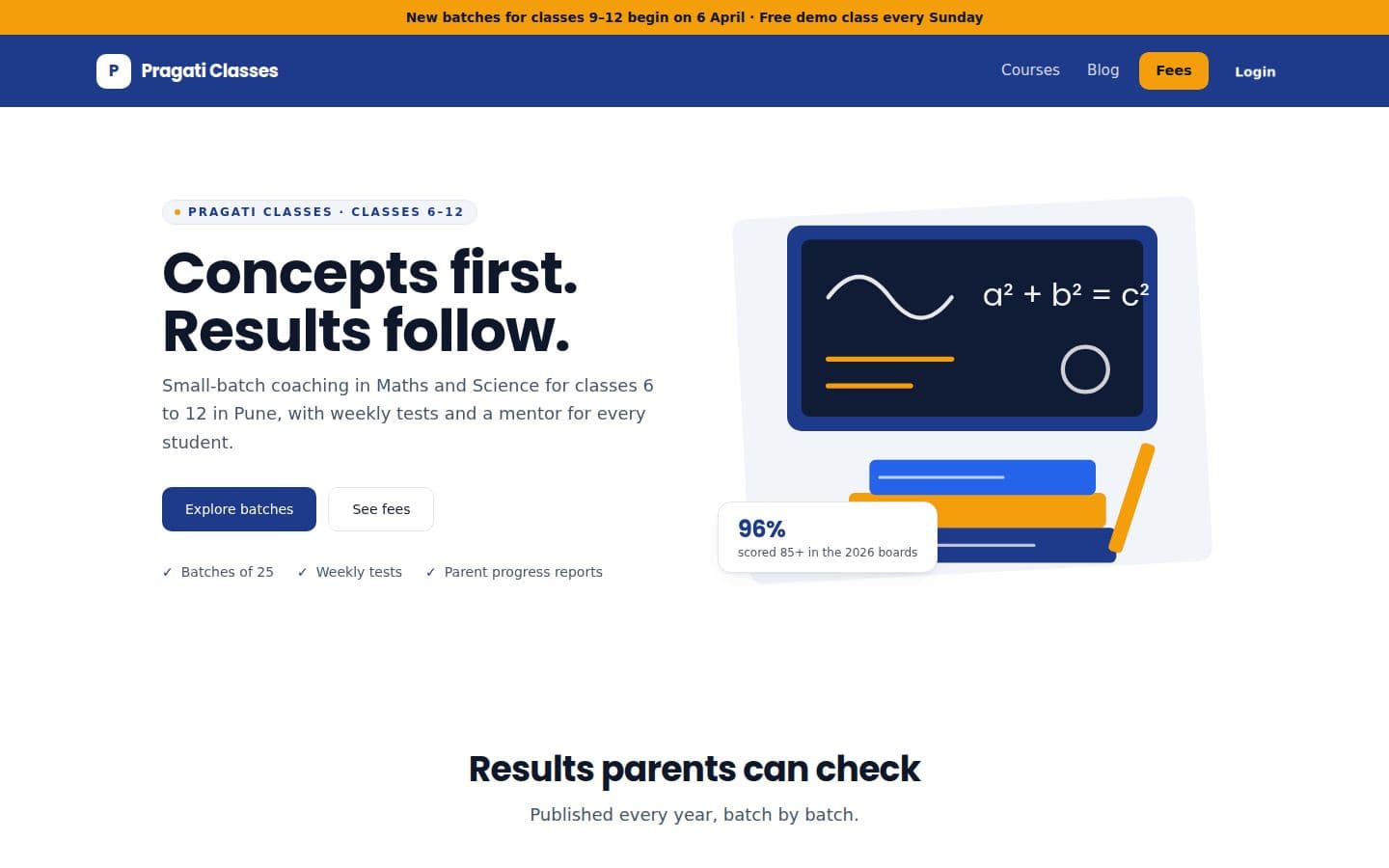
 Coaching Institute
Bold, trustworthy and results-first — for tuition centres and coaching classes.
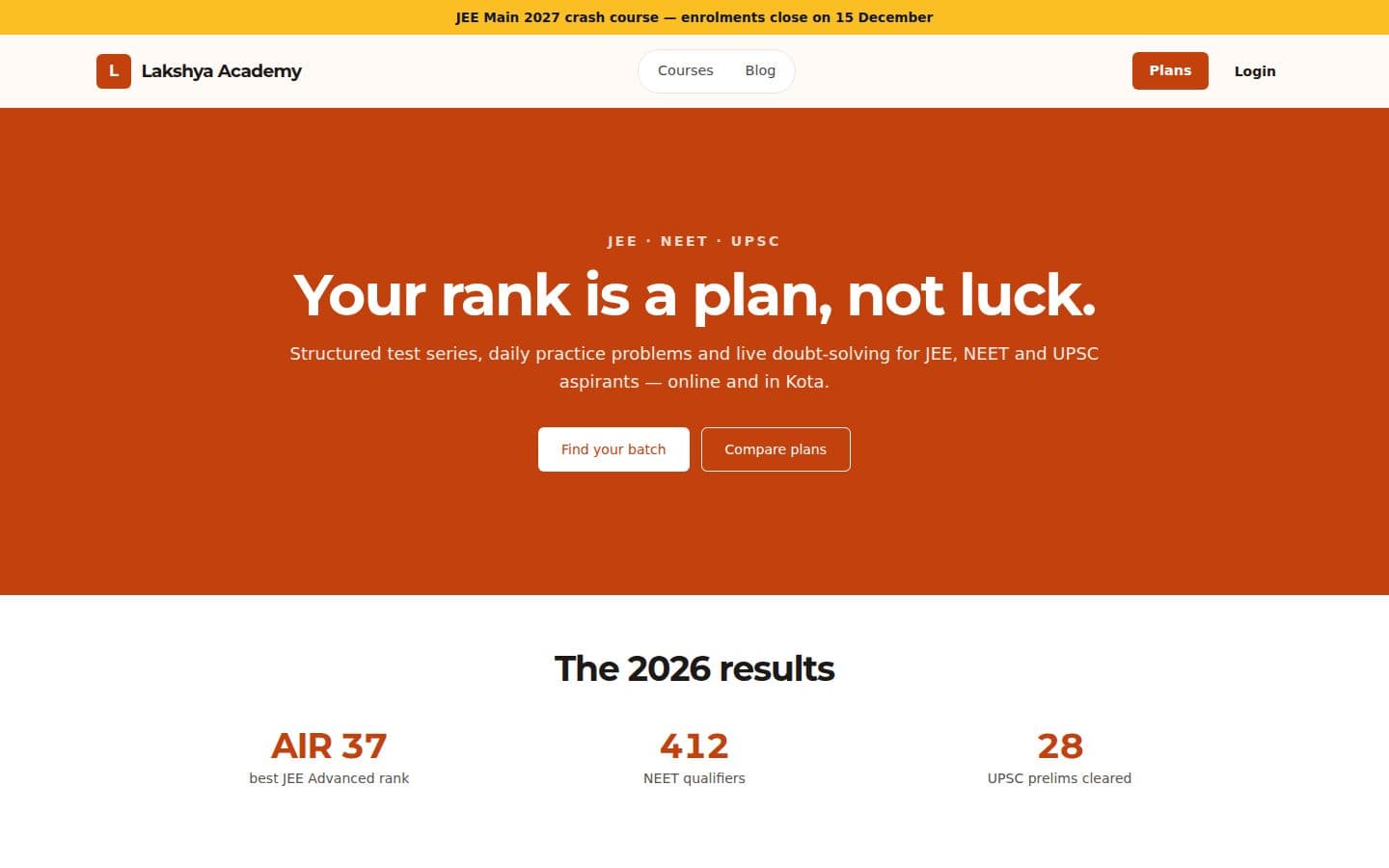 Exam Prep
High-energy and data-driven — for JEE, NEET, UPSC and test-series brands.
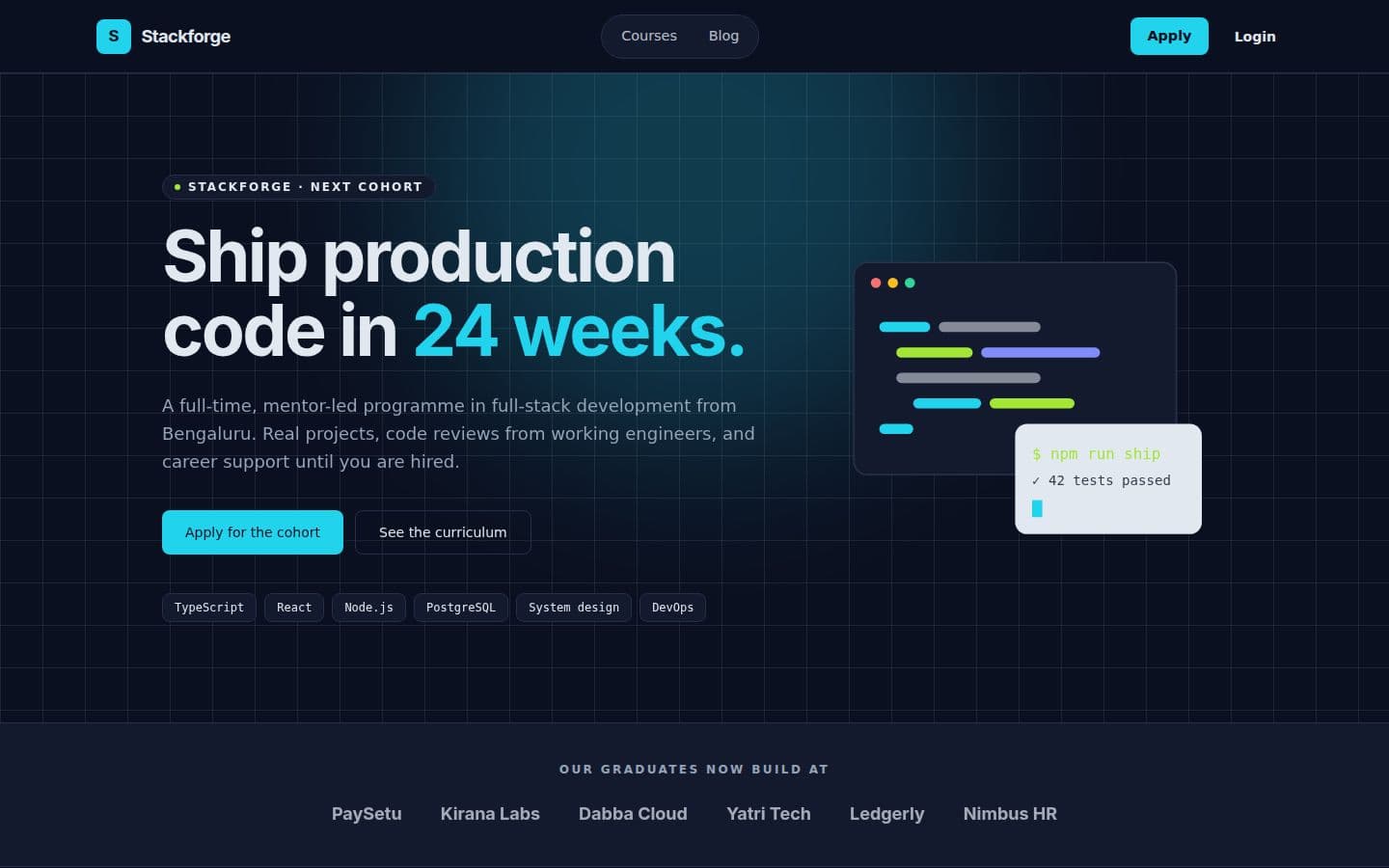 Tech Bootcamp
Dark, sharp and developer-native — for coding bootcamps and tech academies.
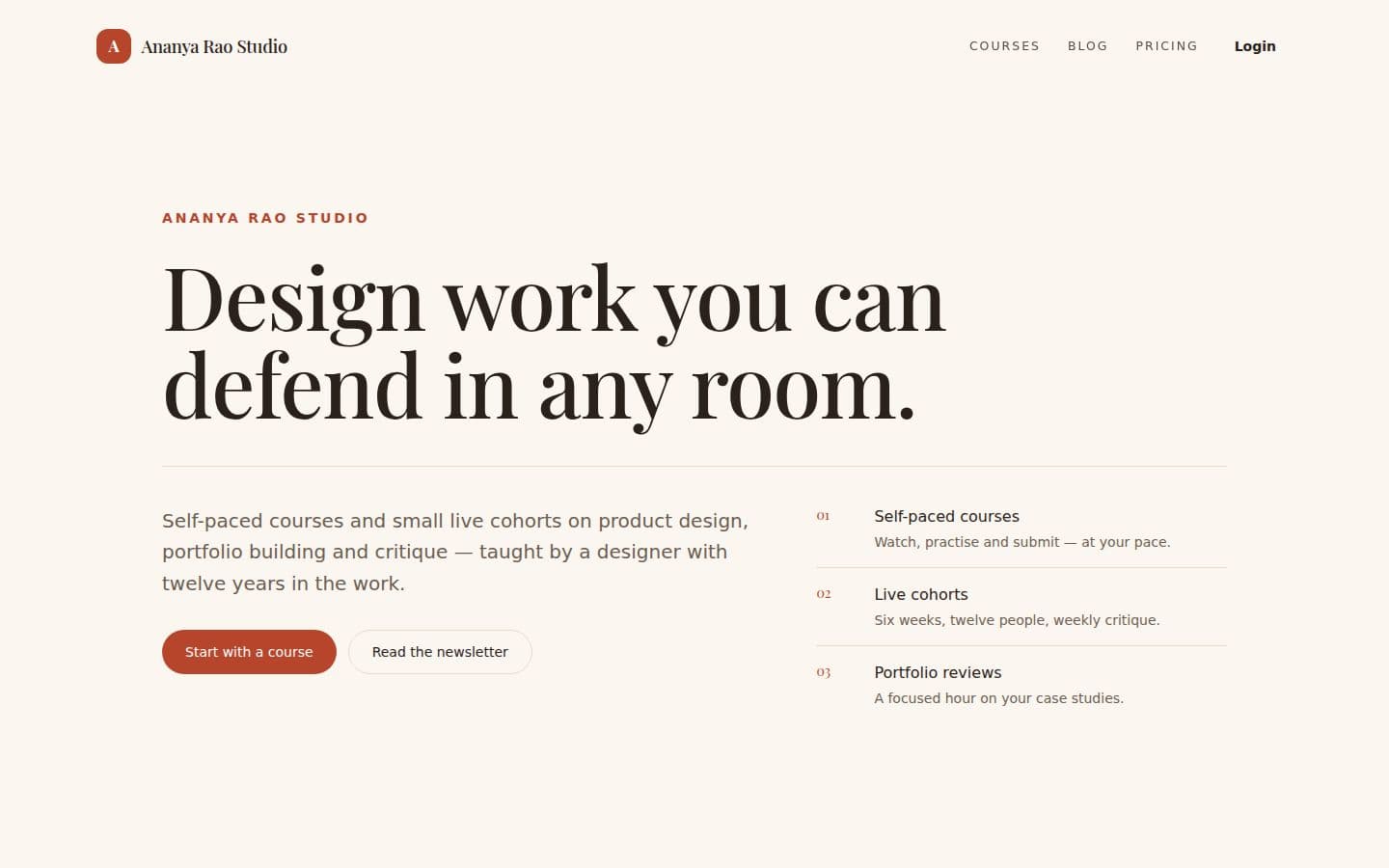 Solo Creator
Warm, editorial and personal — for coaches, creators and experts teaching what they know.
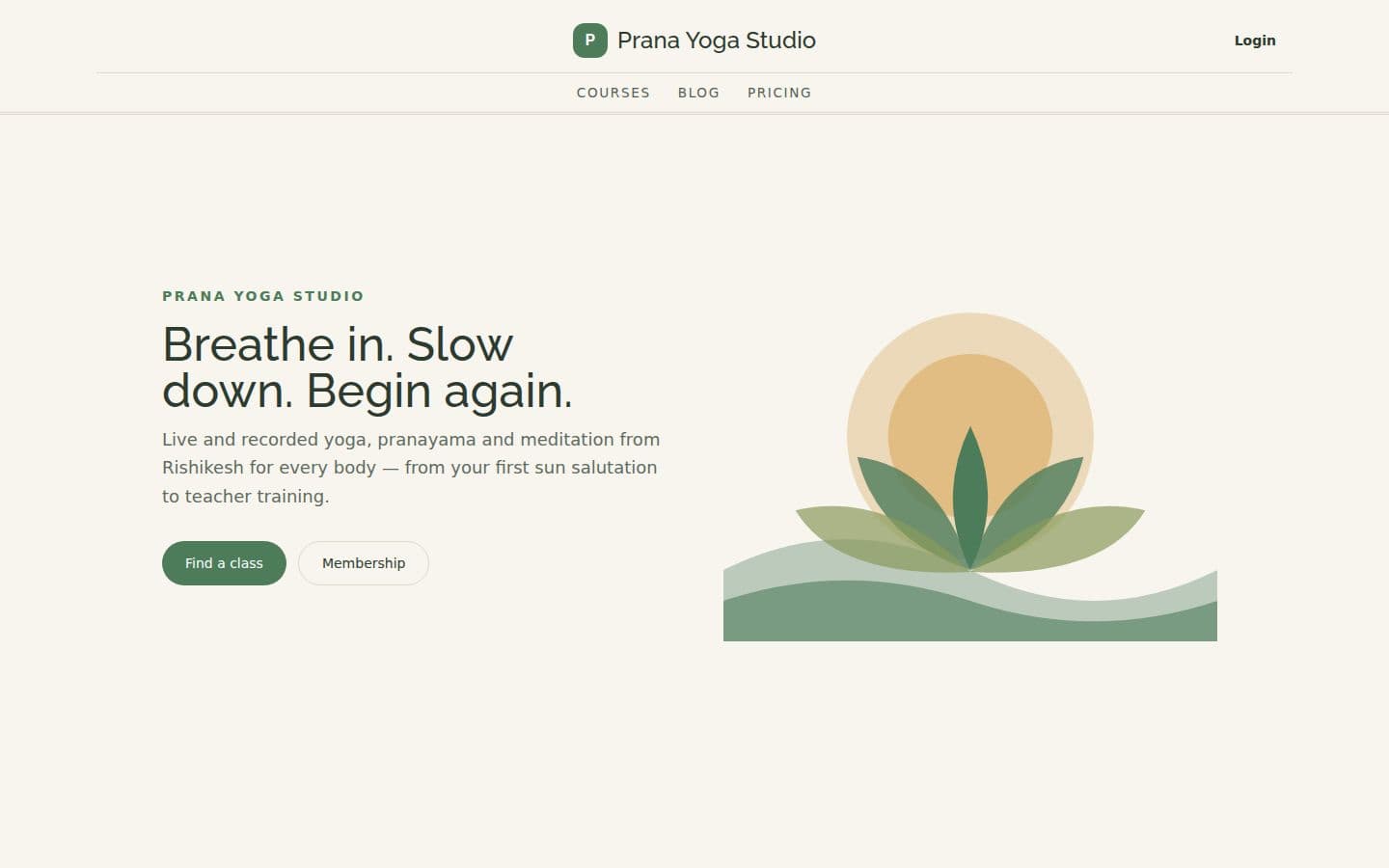 Yoga & Wellness
Calm, airy and organic — for yoga studios, wellness coaches and meditation teachers.
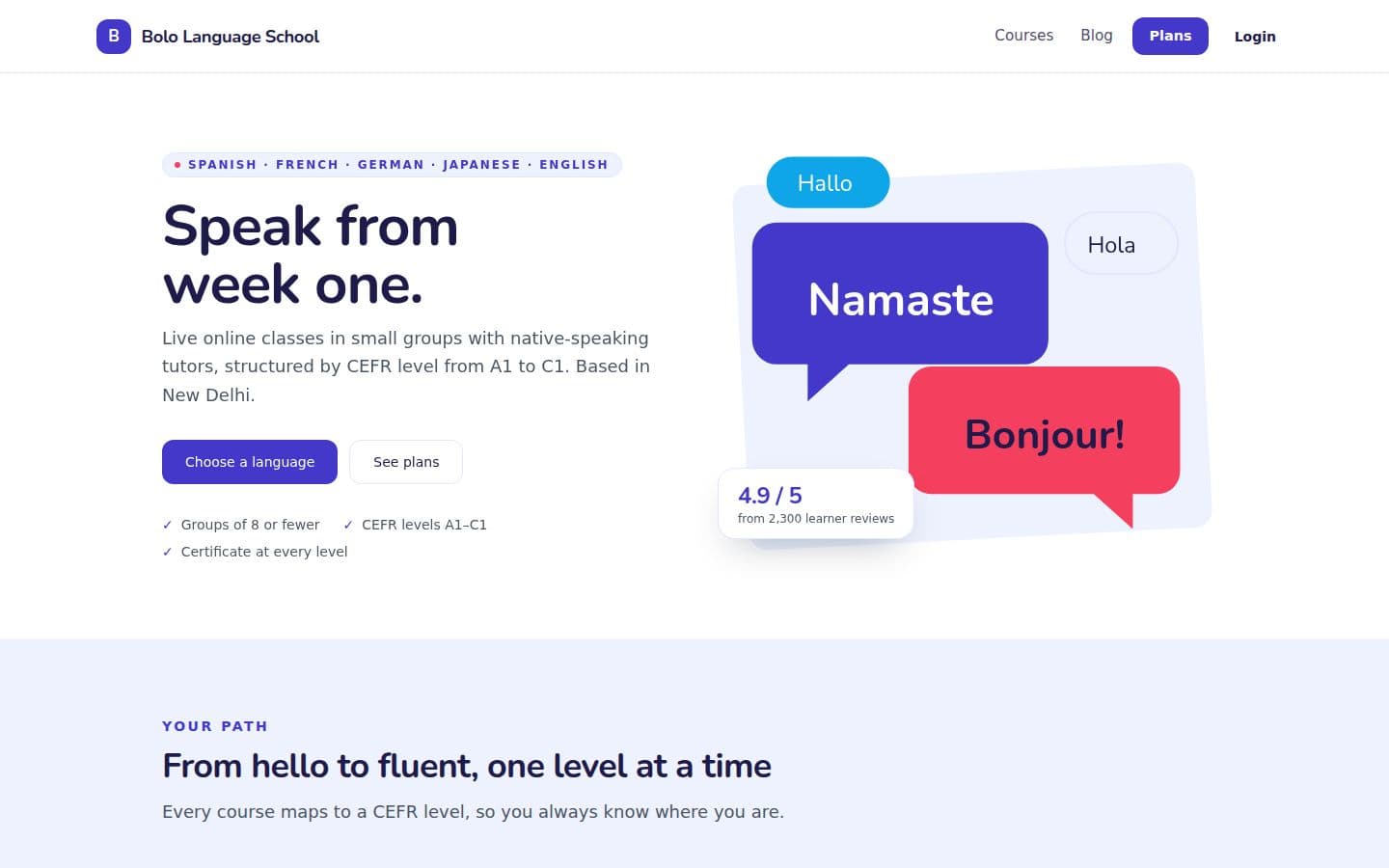 Language School
Friendly, bright and structured — for language schools and spoken-English programmes.
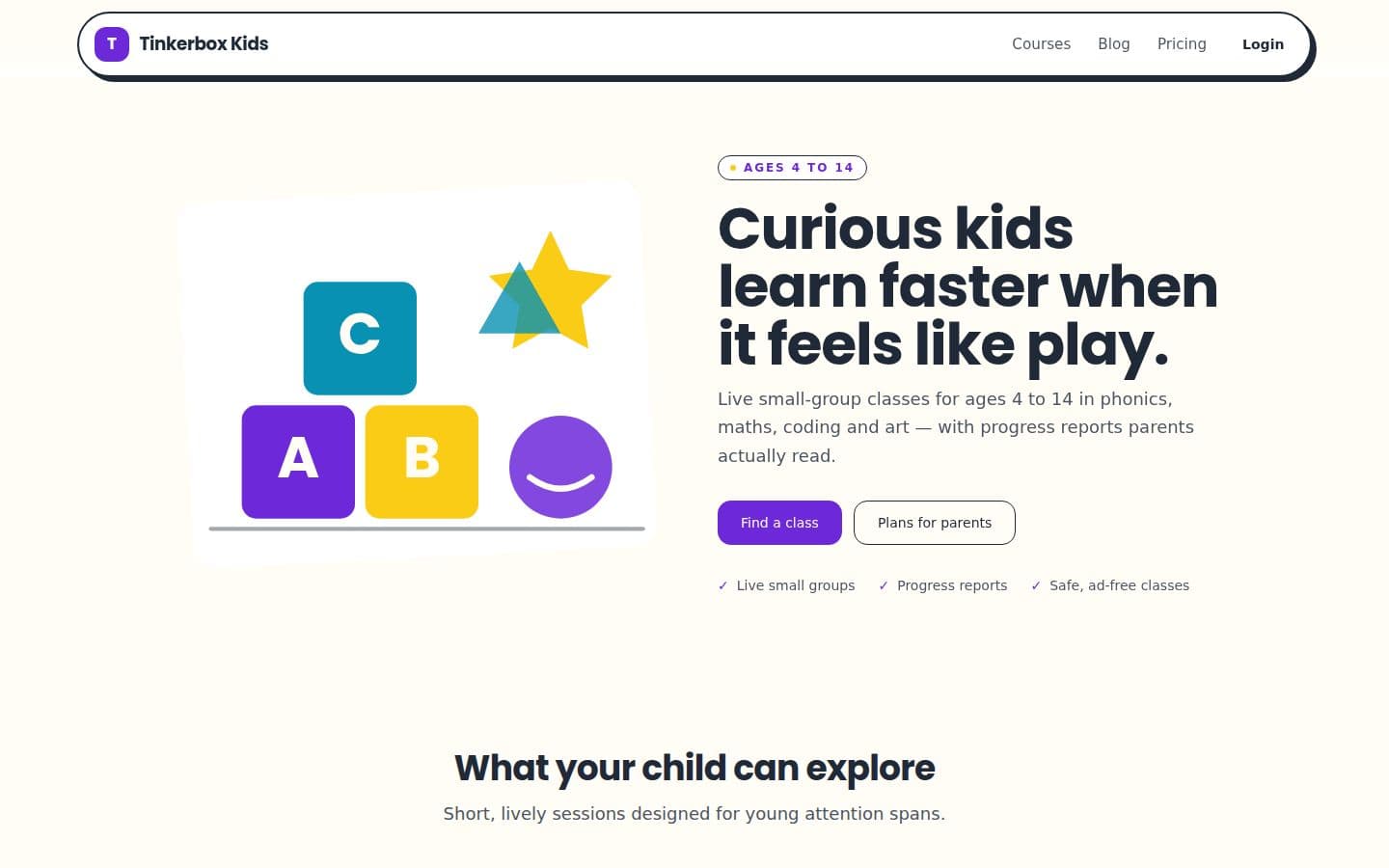 Kids & K-12
Playful, chunky and colourful — for kids' classes, after-school programmes and K-12 tutoring.
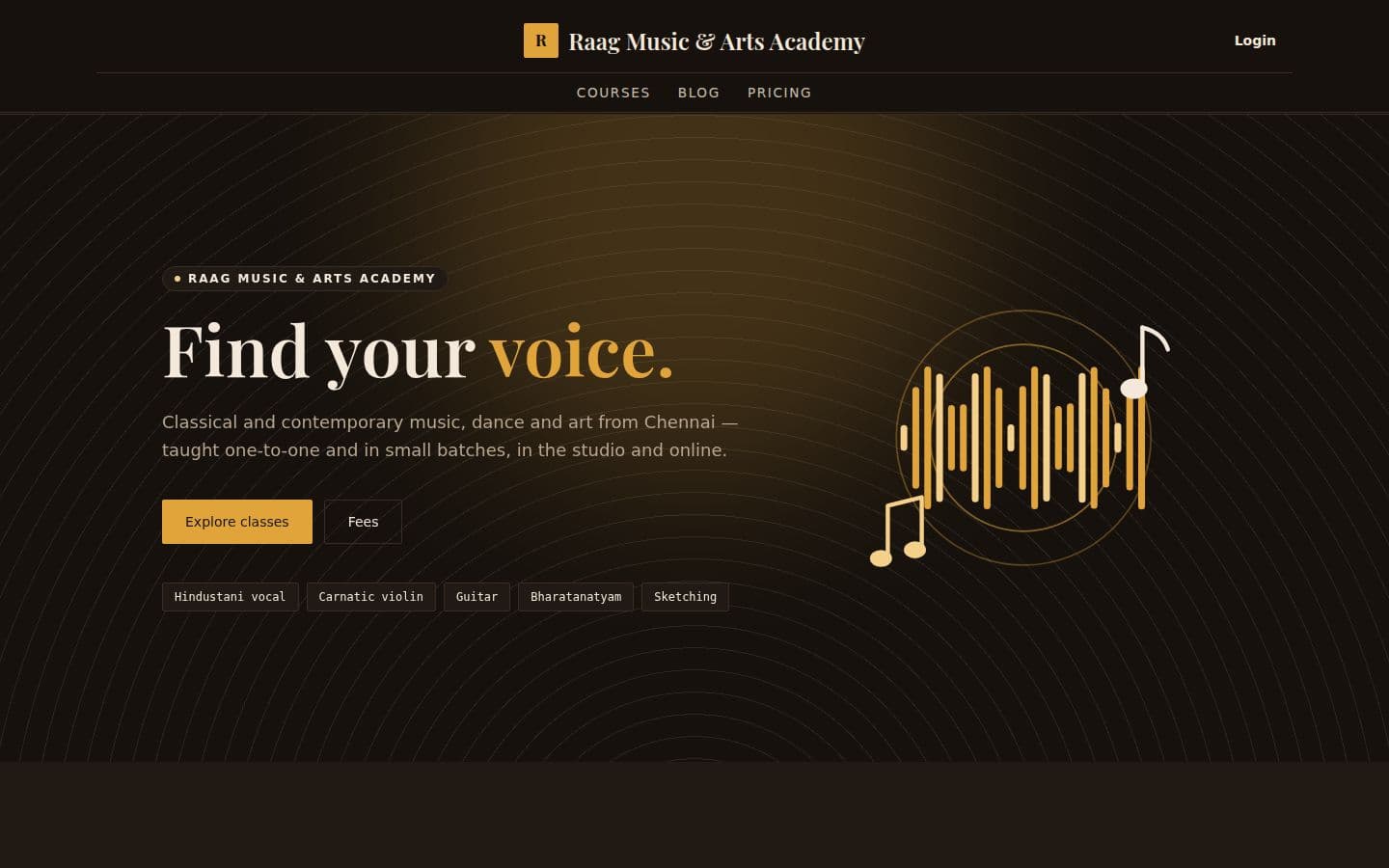 Music & Arts
Dark, warm and theatrical — for music schools, dance academies and art studios.
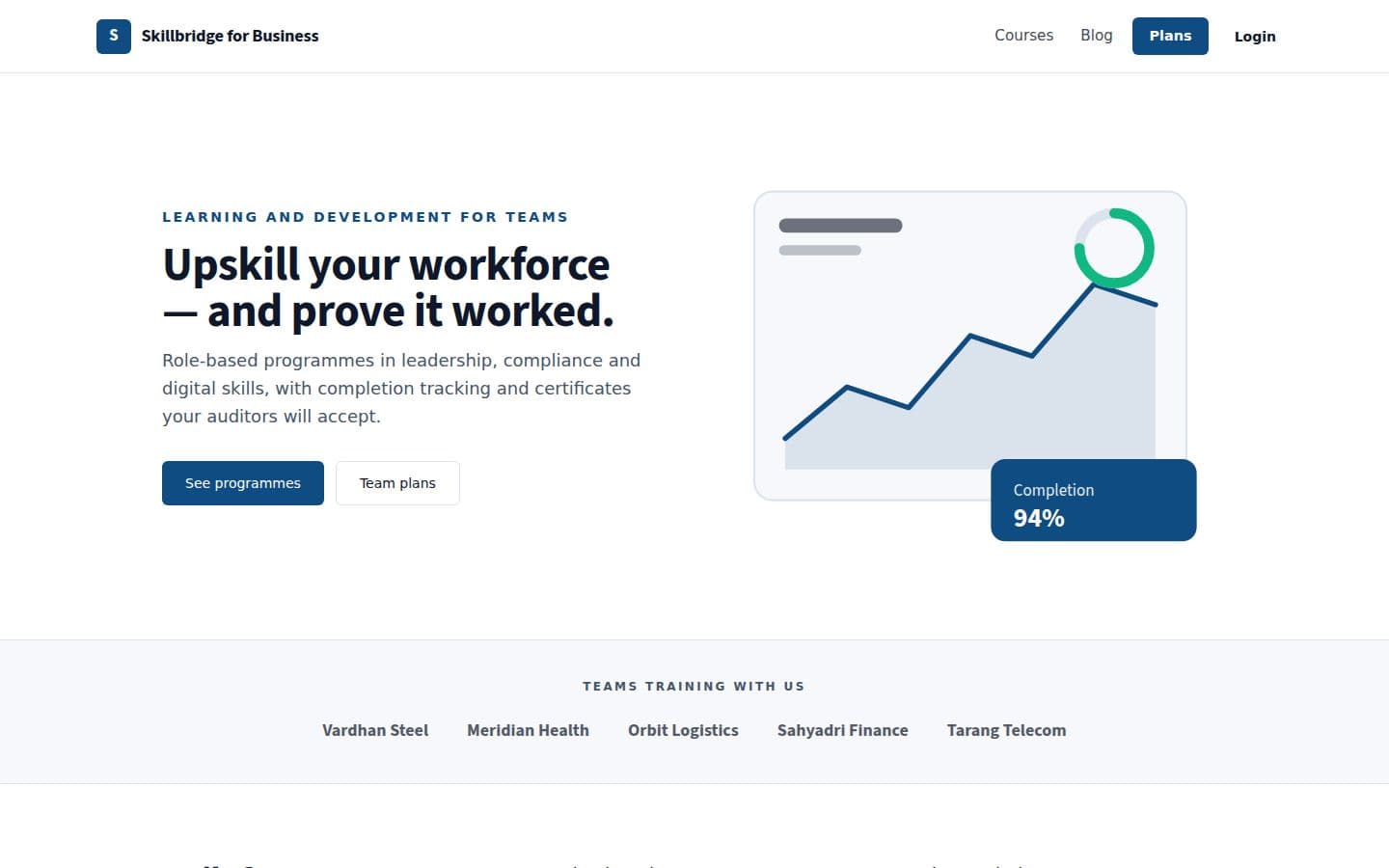 Corporate Training
Crisp, credible and enterprise-ready — for corporate L&D, B2B training and compliance providers.
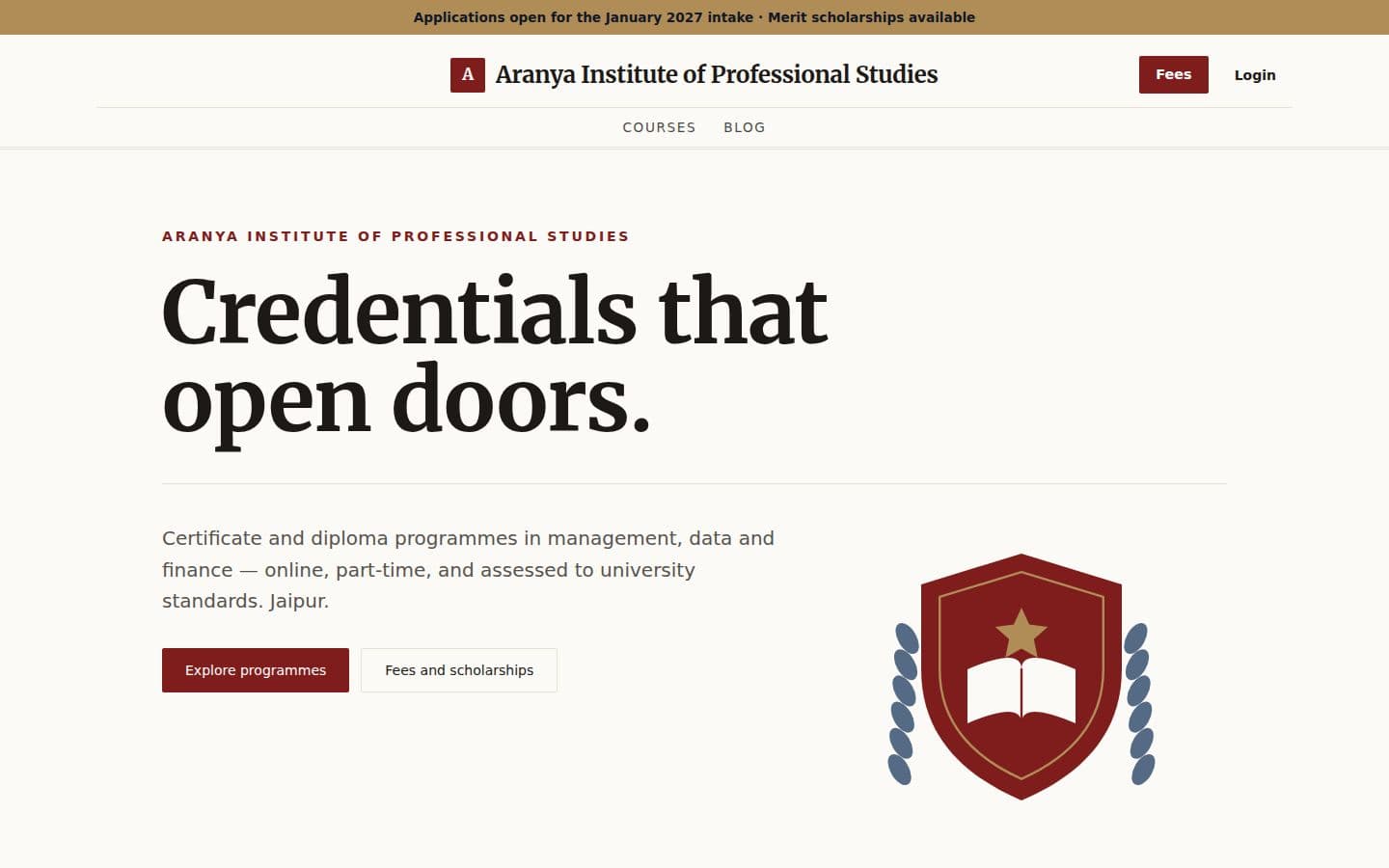 University & Certification
Formal, prestigious and serif-set — for institutes, universities and certification bodies.