Edesy Commerce

Online Store Templates

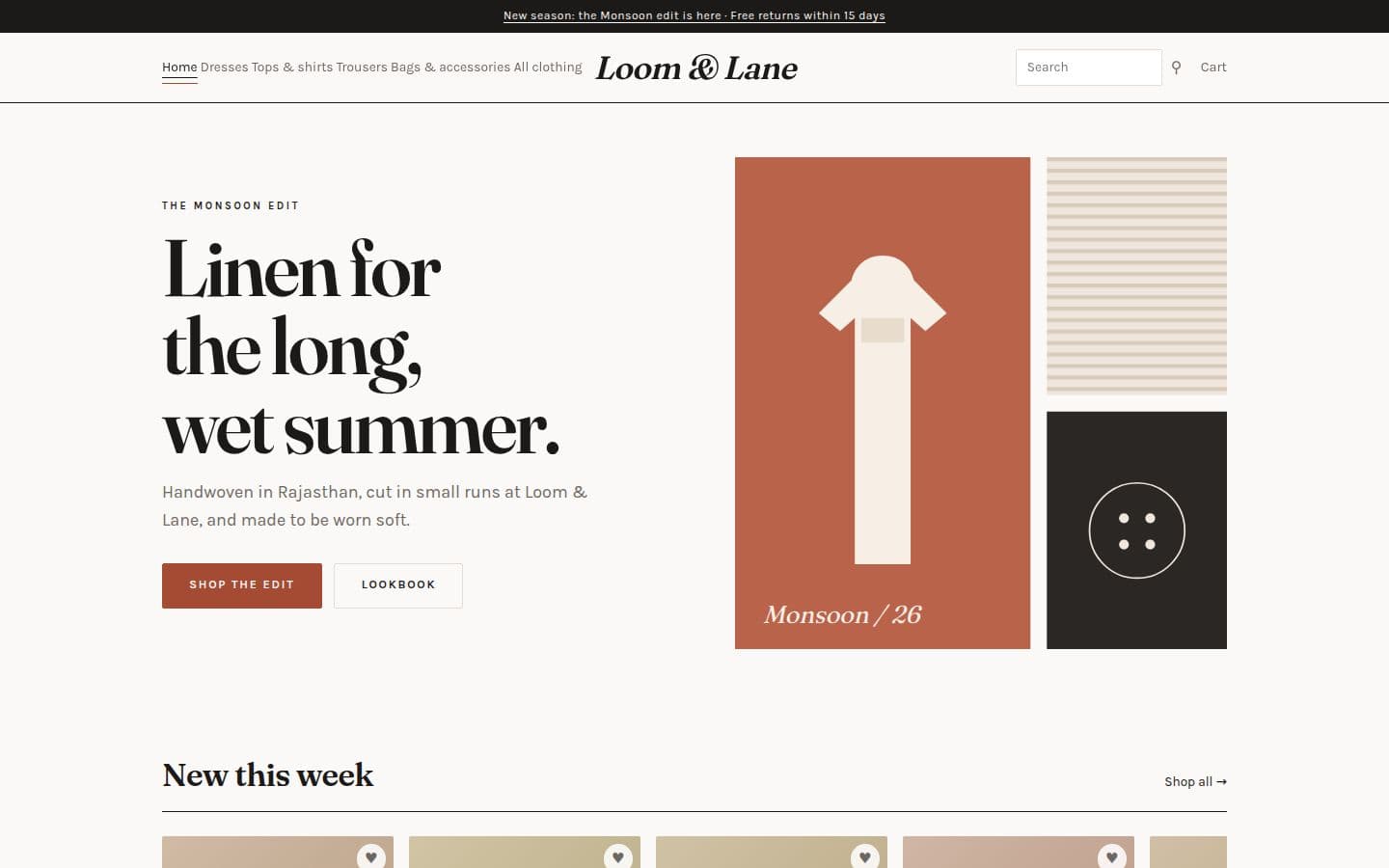
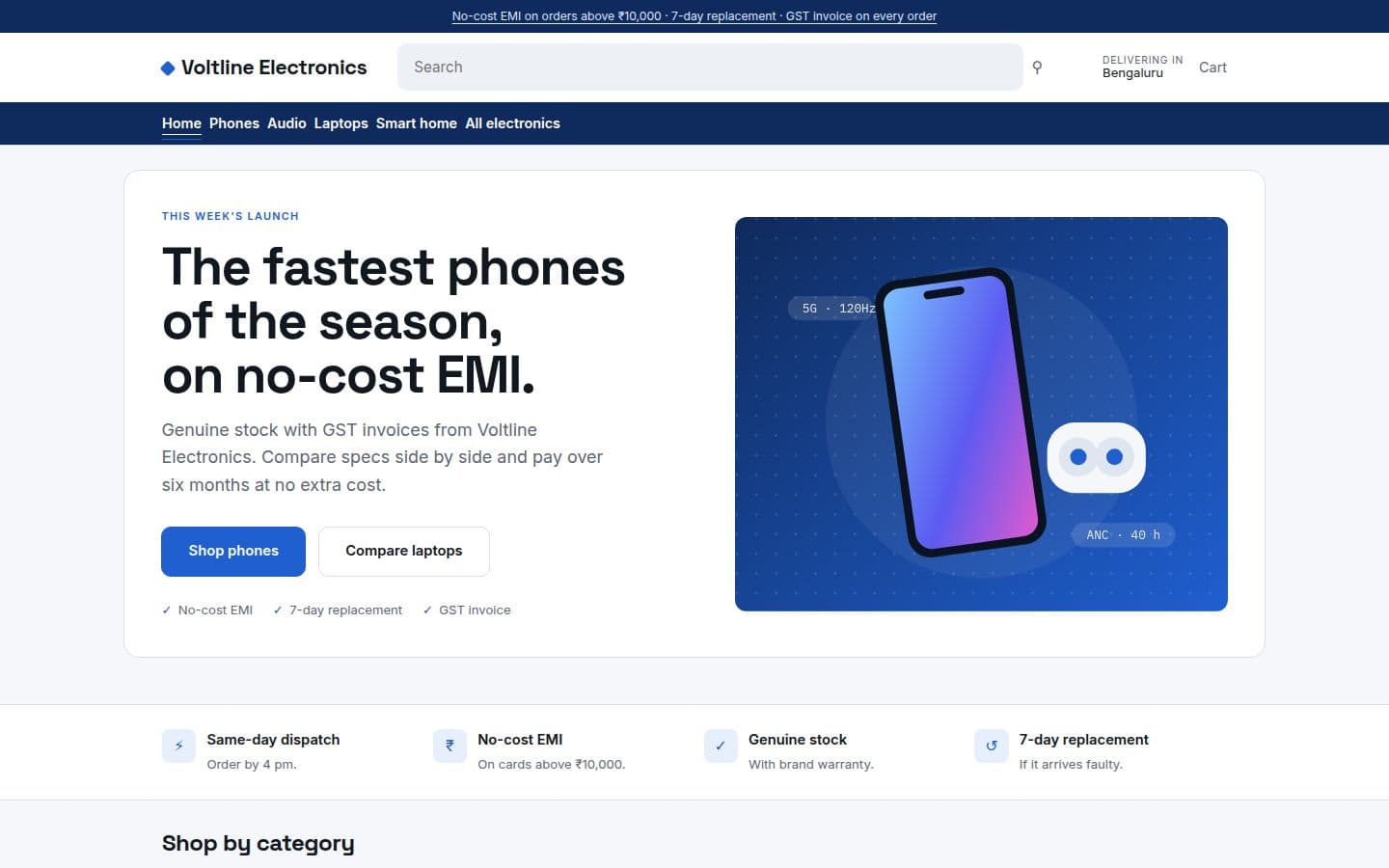
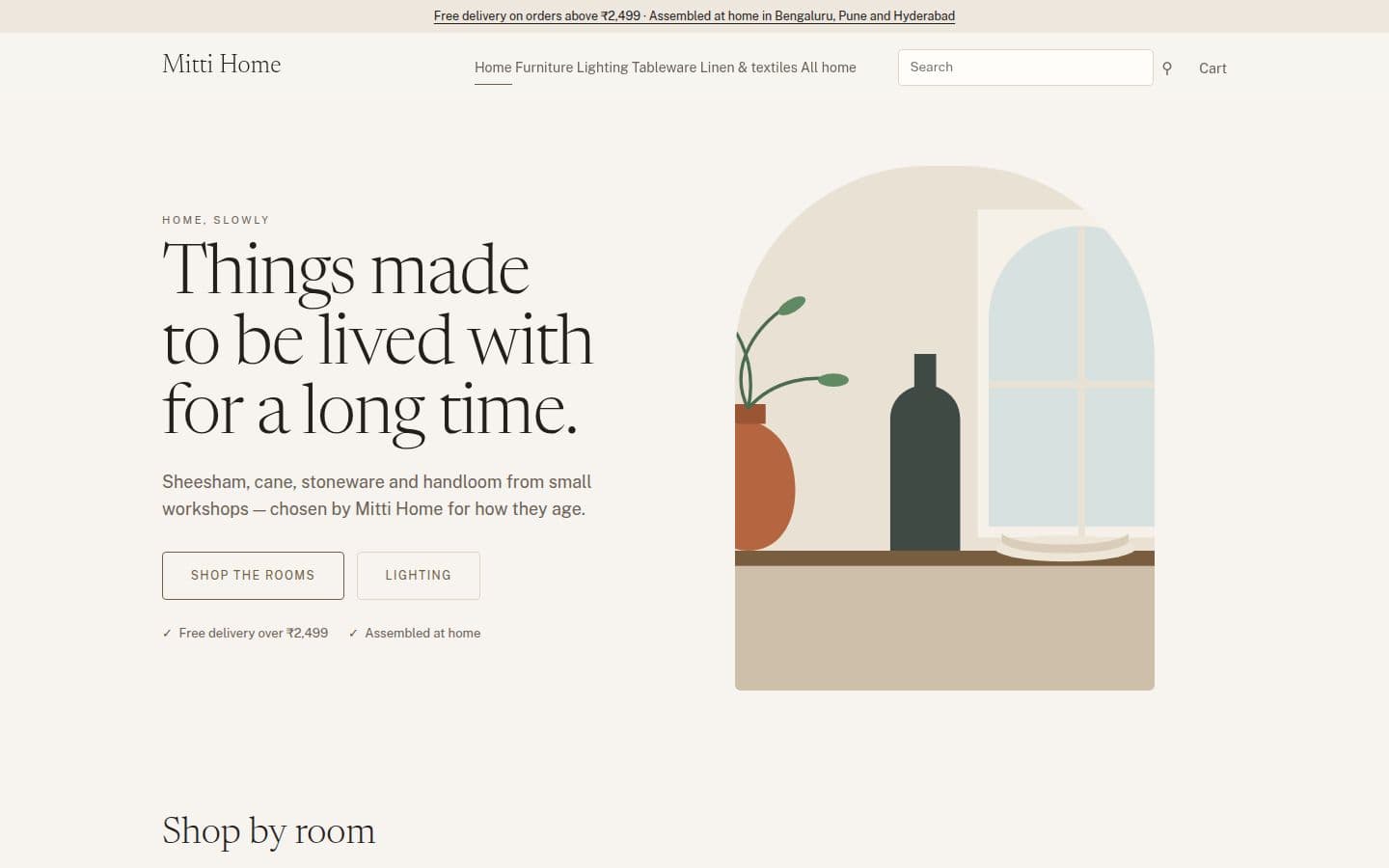
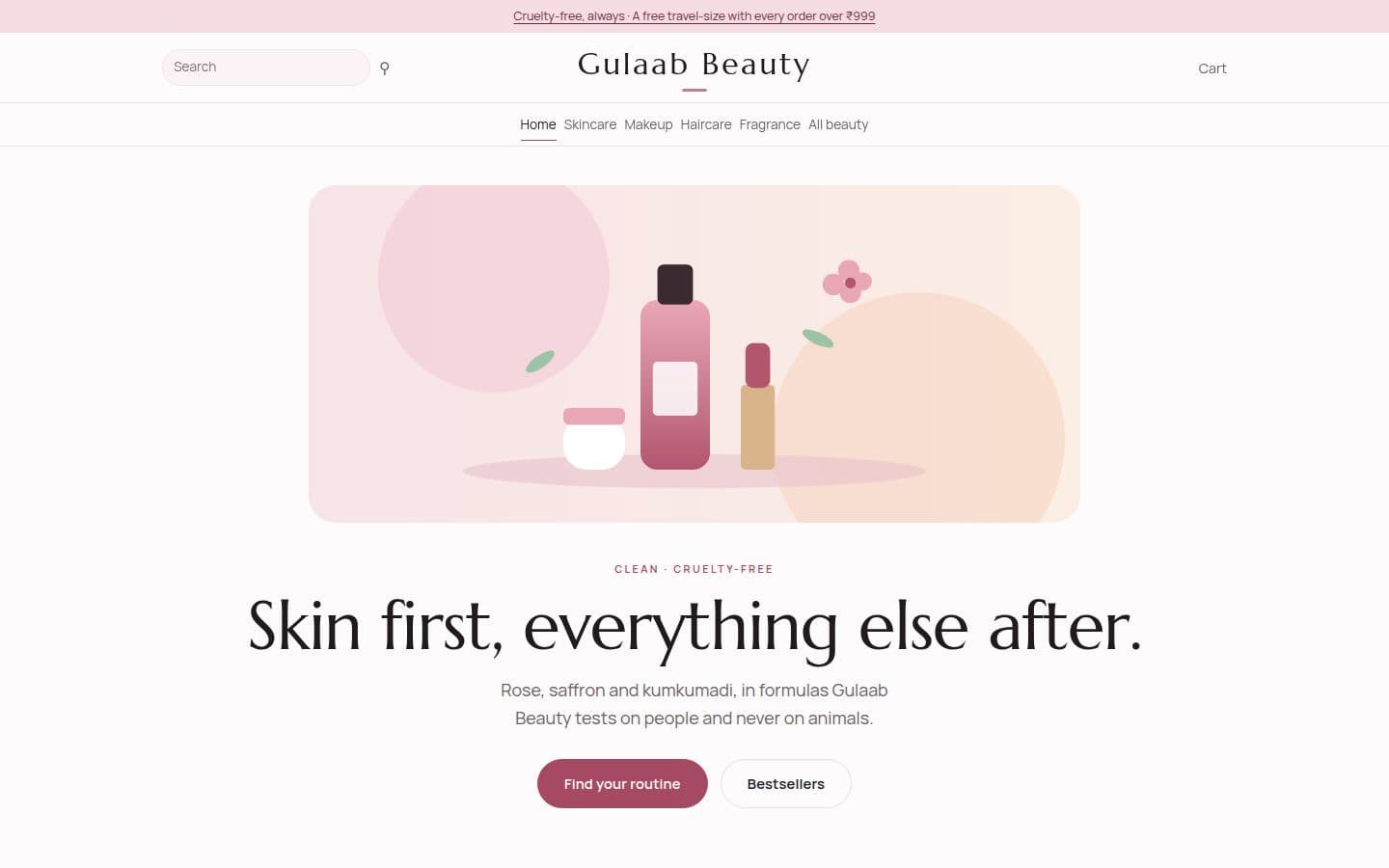
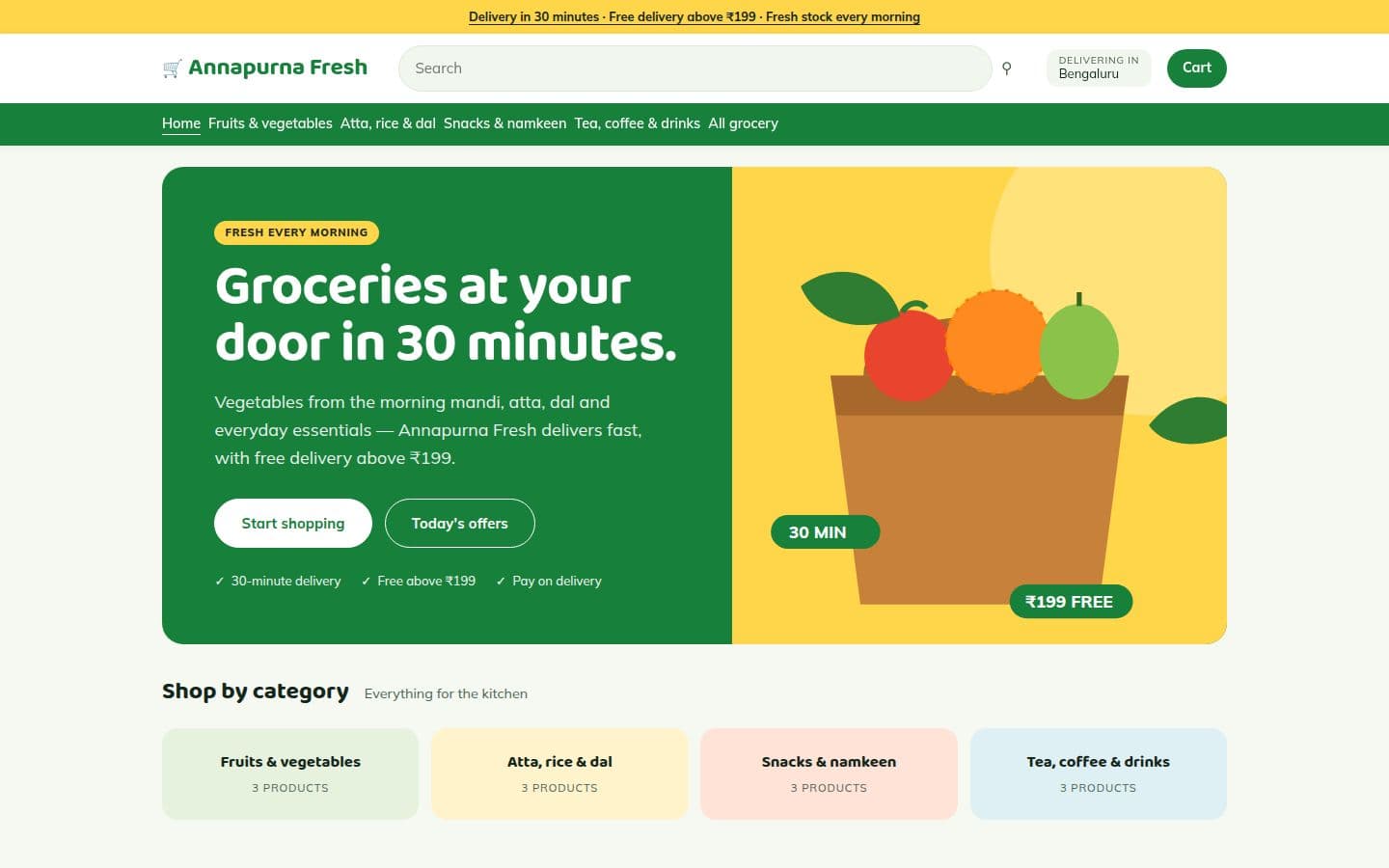
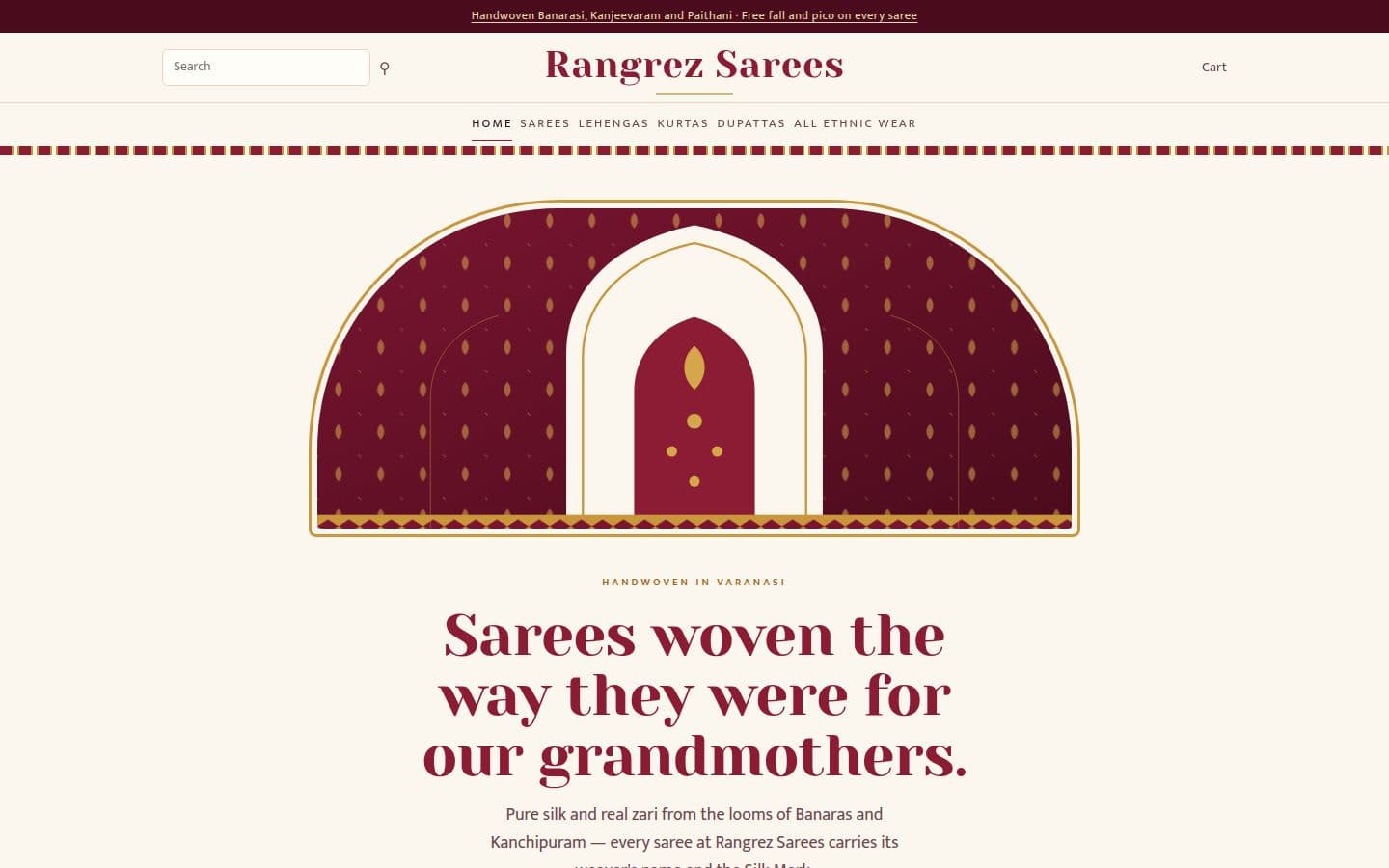
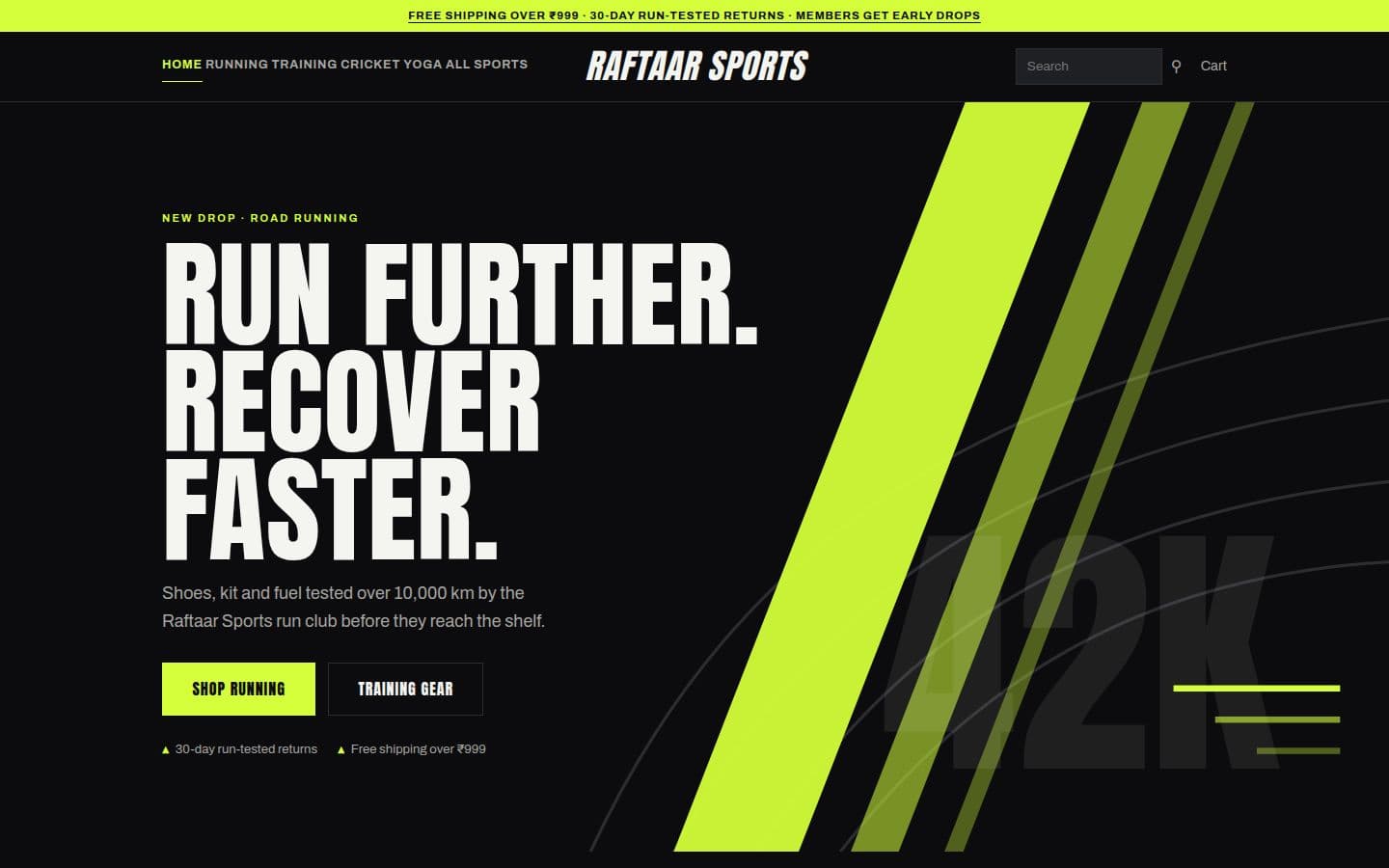
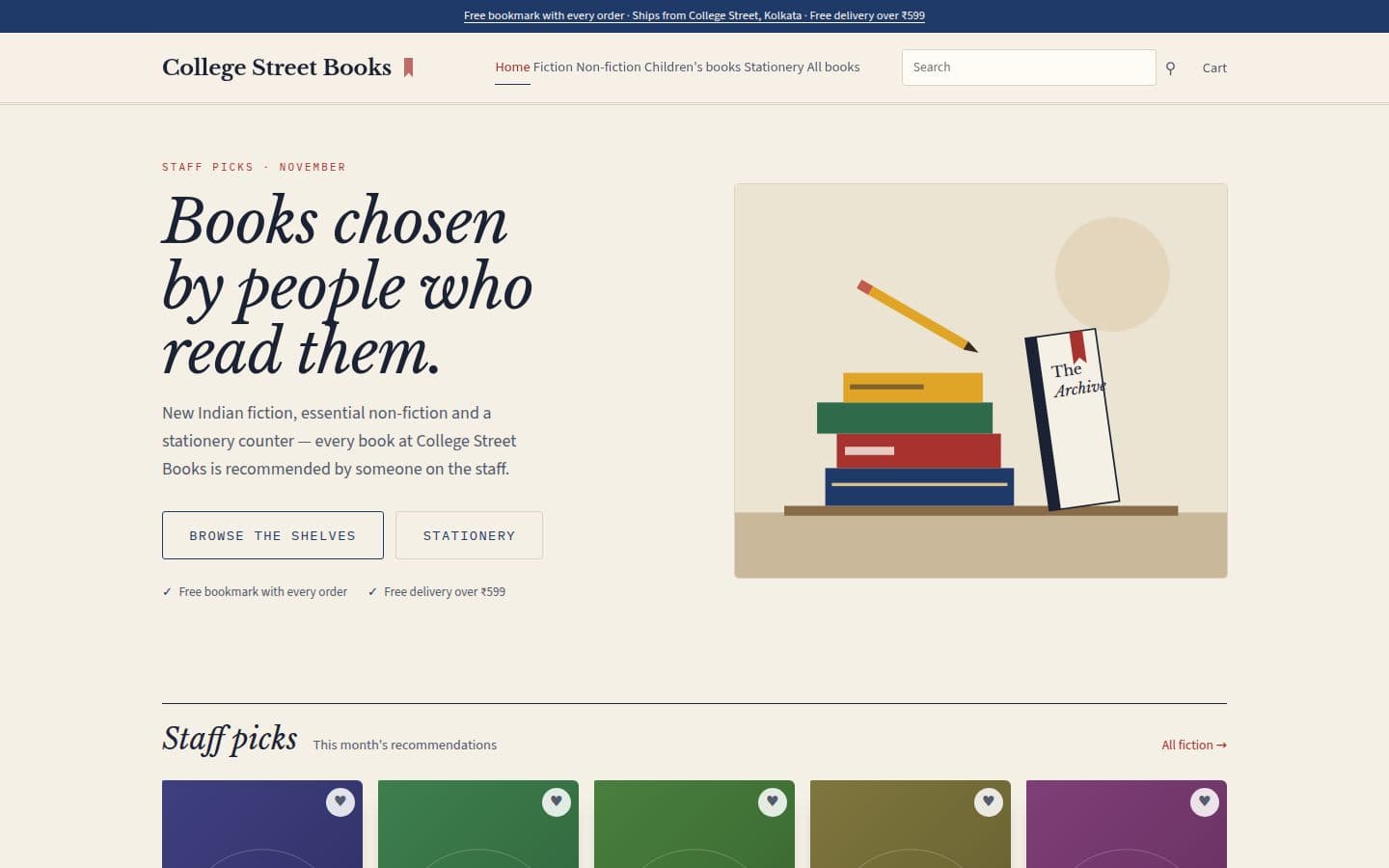
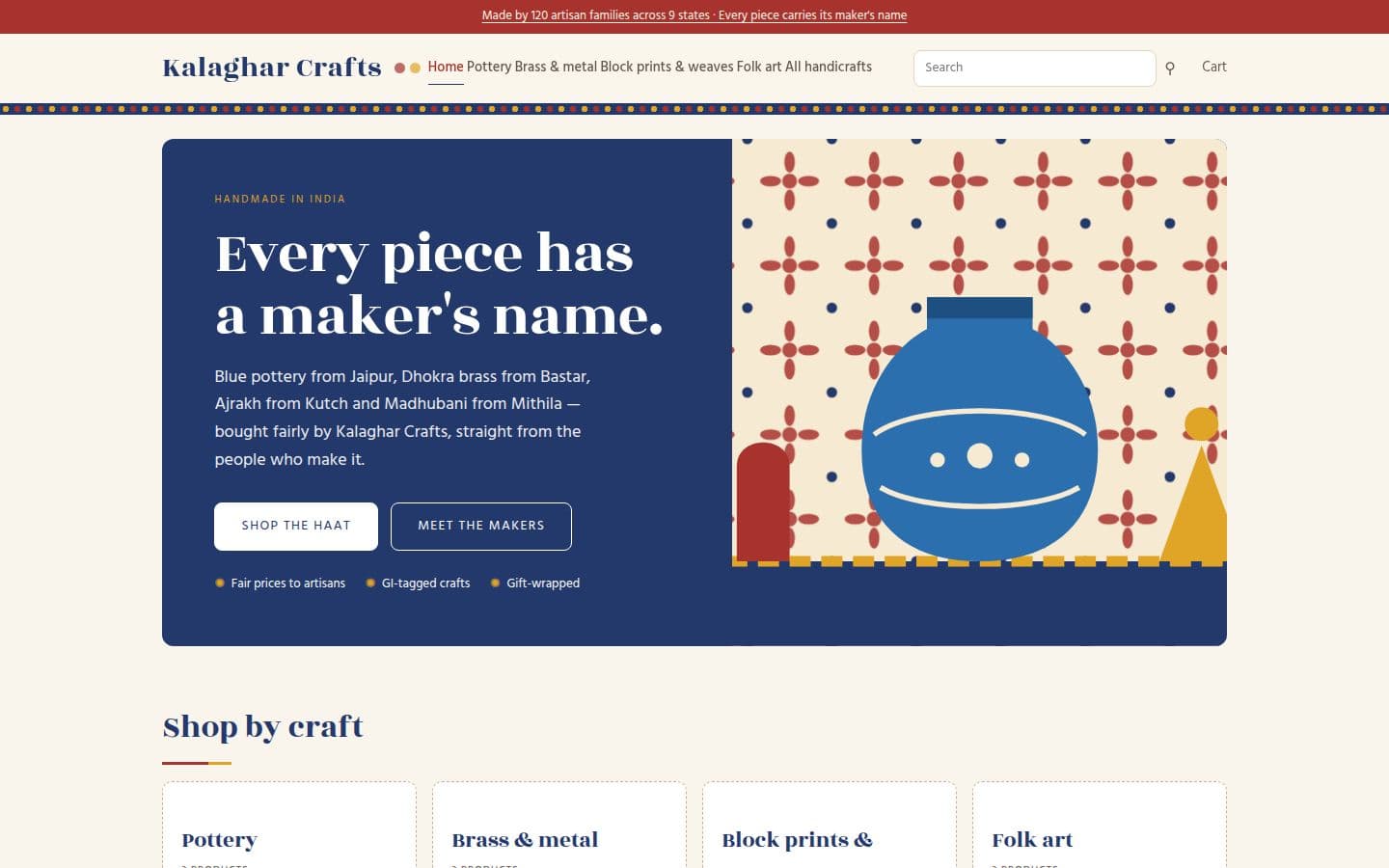
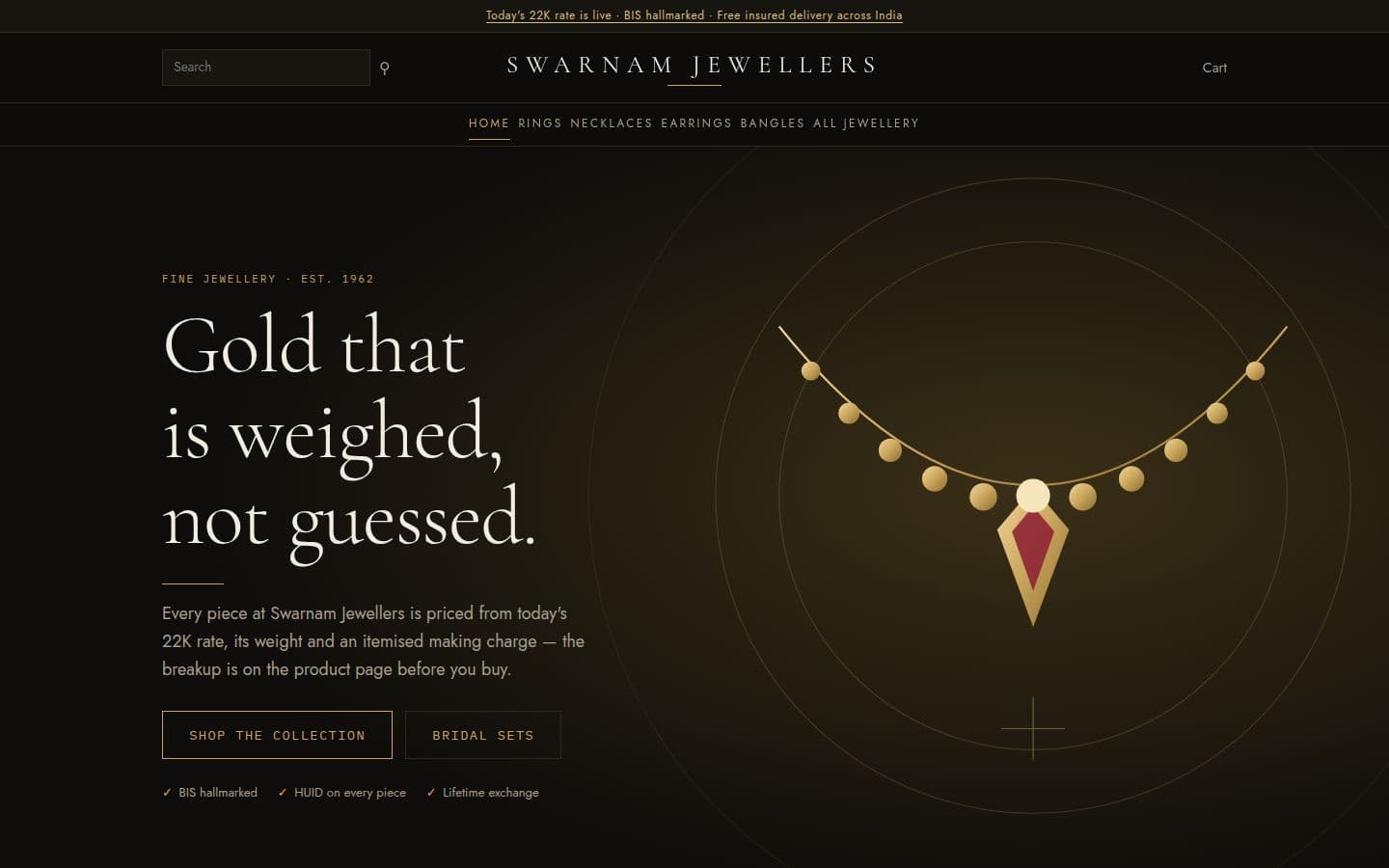
10 storefront themes for Edesy Commerce, each drawn for a different kind of Indian shop. Every live preview runs on the same demo store and catalogue, so you can compare how the same products look in each theme.

What changes between themes

A theme is more than a colour swap. Each one sets the header layout (classic, centred, split or a marketplace header with a wide search), the opening banner, the shape of product cards, the button style and how many products sit across a row. Jewellery themes leave room for a price breakup; electronics and grocery themes pack five products across and lead with search.

A new store starts with its theme's home page sections already in place, in an order that suits the trade. Product and collection bands stay empty until you add your own products, so nothing from the demo store is ever sold under your name.

What every theme shares

Every theme runs on the same Edesy Commerce store: Razorpay payments (UPI, cards, netbanking and wallets), GST tax invoices, shipping zones, cash on delivery with limits, and Shiprocket order tracking. Changing theme later does not touch your catalogue, orders or customers.

From template to live site

  1. Step 1 of 3: Preview

    Open the demo store in a theme and browse a category, a product and the basket.

  2. Step 2 of 3: Open your store

    Sign up from the theme page: the theme is preselected and its home page sections are added for you.

  3. Step 3 of 3: Add products

    Add products one by one or import a CSV, connect Razorpay and set your delivery zones.

Frequently Asked Questions

Website templates for other Edesy apps

Start with a template on Edesy Commerce

Pick a design now and change it later: your content stays where it is.